More browsing paths
Play Hot Wheels: Burnin’ Rubber (US edition · English) Online
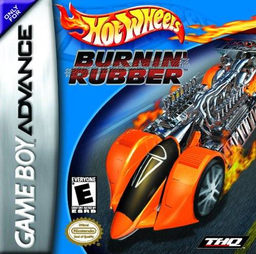
Hot Wheels: Burnin’ Rubber
Play Hot Wheels: Burnin’ Rubber online and race through GBA Grand Prix cups, choosing a car and transmission while mastering braking, gears and course layouts.
Browser play
Game Boy Advance (GBA) — EmulatorJS controls
Default Player 1 keyboard mapping. Change keys in Controller Settings.
| Console button | Keyboard |
|---|---|
| ↑ / ↓ / ← / → | ↑ / ↓ / ← / → |
| A / B | Z / X |
| L / R | Q / E |
| START / SELECT | Enter / V |
Open Controller Settings to configure your keyboard or gamepad. Touch controls are available on mobile.
How to Play Hot Wheels: Burnin’ Rubber
Quick start
Press START, choose Grand Prix and begin with the available Bronze Cup. Pick a car and transmission, then start the opening race and aim to place high enough to earn championship points and unlock later cups. Brake before sharp corners and use the course map to anticipate turns; with manual transmission, shift deliberately instead of leaving the engine at the limiter.
Controls
Use the Control Pad to steer. A accelerates and B brakes or reverses after stopping. With manual transmission, R shifts up and L shifts down. START pauses and opens the pause menu, while SELECT changes the course-map display. Menu choices use the Control Pad, A to confirm and B to go back.
Hot Wheels: Burnin’ Rubber Game manuals
Cheats
No cheats have been added for this edition.
Player verification and sources
Browser play was reviewed before this edition was published in the catalogue. The date below is the catalogue publication date, not the game’s original release date.
- Browser test and catalogue publication date
- Browsers and devices
- PC: Chrome, Edge and Firefox. Mobile: Chrome on Android and Safari on iPhone and iPad.
- Player engine and core
- EmulatorJS 4.3.0-pre · gba
- Tested by
- rwEmulator
Sources and editorial basis
rwEmulator reviews edition metadata, release information, game manuals and first-hand browser-play notes. Available manuals are linked below; the editorial policy explains how facts are checked and corrections are handled.