More browsing paths
Play Joy Mech Fight (Japan edition · Japanese) Online
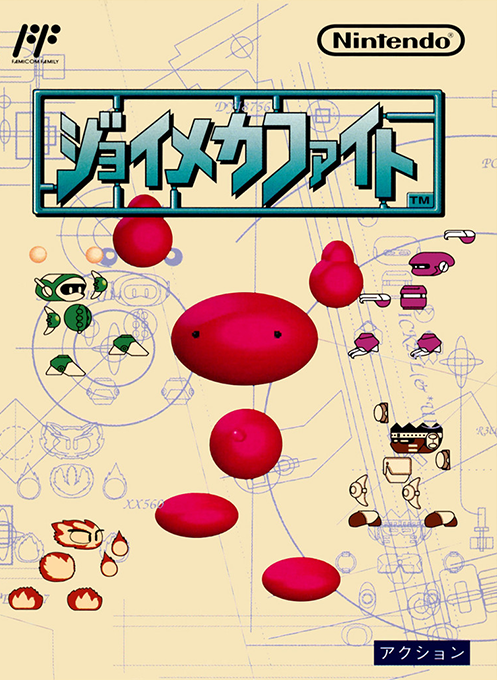
Joy Mech Fight
Play the Famicom version of Joy Mecha Fight online. Learn Sukapon's basic operations and special moves, and challenge the four stages while increasing your friends through 1P quests.
Browser play
Nintendo Entertainment System (NES) / Famicom — EmulatorJS controls
Default Player 1 keyboard mapping. Change keys in Controller Settings.
| Console button | Keyboard |
|---|---|
| ↑ / ↓ / ← / → | ↑ / ↓ / ← / → |
| A / B | Z / X |
| START / SELECT | Enter / V |
Open Controller Settings to configure your keyboard or gamepad. Touch controls are available on mobile.
How to Play Joy Mech Fight
Quick start
Press START on the title, select "1P Quest" using the up and down arrow buttons, and press A to confirm. Choose your opponent, then press A to decide on the first control robot, Skapon. First, use A to punch, B to kick, and upper input to jump to find your distance. After selecting a robot, move the cursor to ``Manual'' and press A to practice in demo or ``Sousa'' mode. For Sukapon's "Konnan Irahen", press A+B at the same time. If you are approached, use Uke and Nage to reduce both the opponent's hearts and hit points and aim for victory.
Controls
Use the cross button left and right to move, press up to jump, and press down or in the opposite direction to your opponent to receive. A is a punch, B is a kick, forward + A is a powerful punch, either left or right + A is a throw when close to the enemy, and down + B is a shortcut. In the air, press A for a jump punch, press B for a jump kick. START is a pause during a match. Select the menu with the cross button, confirm with A, and cancel with B. For Sukapon only: Press A + B at the same time to perform Konnan Irahen, press the back a little and then press the front + B to perform a rolling ska, press the bottom a little and then press A to perform Tondeke. The front and back will be reversed depending on the opponent's position.
Joy Mech Fight — About this game
"Joy Mecha Fight" is a fighting game for the Famicom in which players use punches, kicks, throws, and special moves unique to each robot. Dr. Eamon's Scarpon confronts Dr. Warnatch, who has declared world domination. In "1P Quest", you can choose your opponent and increase the number of allies you can use by winning and advancing. A boss is waiting for each of the four stages. Victory or defeat is determined not only by hit points but also by remaining hearts, so even if you empty the meter once, it doesn't necessarily mean you'll win. If you continue to be attacked, you will be temporarily unable to counterattack, so it is also important to receive attacks with downward and backward inputs. After selecting a robot, you can view a demonstration of its techniques and actually practice input in the ``Manual.''
Cheats
No cheats have been added for this edition.
Player verification and sources
Browser play was reviewed before this edition was published in the catalogue. The date below is the catalogue publication date, not the game’s original release date.
- Browser test and catalogue publication date
- Browsers and devices
- PC: Chrome, Edge and Firefox. Mobile: Chrome on Android and Safari on iPhone and iPad.
- Player engine and core
- EmulatorJS 4.3.0-pre · nes
- Tested by
- rwEmulator
Sources and editorial basis
rwEmulator reviews edition metadata, release information, game manuals and first-hand browser-play notes. Available manuals are linked below; the editorial policy explains how facts are checked and corrections are handled.