More browsing paths
Play King's Quest V (US edition · English) Online
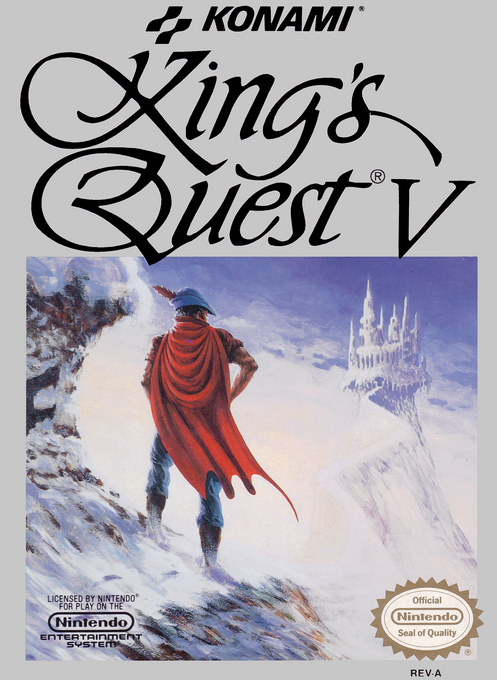
King's Quest V
Play King's Quest V online for NES. Explore Serenia with Graham and Cedric, collect clues and solve inventory puzzles to rescue the royal family.
Browser play
Nintendo Entertainment System (NES) / Famicom — EmulatorJS controls
Default Player 1 keyboard mapping. Change keys in Controller Settings.
| Console button | Keyboard |
|---|---|
| ↑ / ↓ / ← / → | ↑ / ↓ / ← / → |
| A / B | Z / X |
| START / SELECT | Enter / V |
Open Controller Settings to configure your keyboard or gamepad. Touch controls are available on mobile.
How to Play King's Quest V
Quick start
Choose No when asked whether you have played before to see the introduction. Once Graham is in Serenia, use SELECT to open the icon bar. Choose Look, point at something and press A. Try Talk on characters and Action on objects. Use Memory > Save to obtain a password; write it down.
Controls
D-pad: move Graham in eight directions or move the cursor. SELECT: open the icon bar. A: advance text or perform the chosen action. B: cycle Look/Talk/Action shortcuts or cancel. START: pause/resume.
King's Quest V — About this game
King's Quest V on NES is an exploration and puzzle adventure, not a combat-focused RPG. Graham travels with the owl Cedric, gathering clues and useful objects on his way to Mordack. An icon bar handles examining, conversation and item use. Careful observation matters: a seemingly ordinary object may solve a later problem.
Cheats
No cheats have been added for this edition.
Player verification and sources
Browser play was reviewed before this edition was published in the catalogue. The date below is the catalogue publication date, not the game’s original release date.
- Browser test and catalogue publication date
- Browsers and devices
- PC: Chrome, Edge and Firefox. Mobile: Chrome on Android and Safari on iPhone and iPad.
- Player engine and core
- EmulatorJS 4.3.0-pre · nes
- Tested by
- rwEmulator
Sources and editorial basis
rwEmulator reviews edition metadata, release information, game manuals and first-hand browser-play notes. Available manuals are linked below; the editorial policy explains how facts are checked and corrections are handled.