More browsing paths
Play Korg M01 Music Workstation (Japan edition · English) Online
Korg M01 Music Workstation
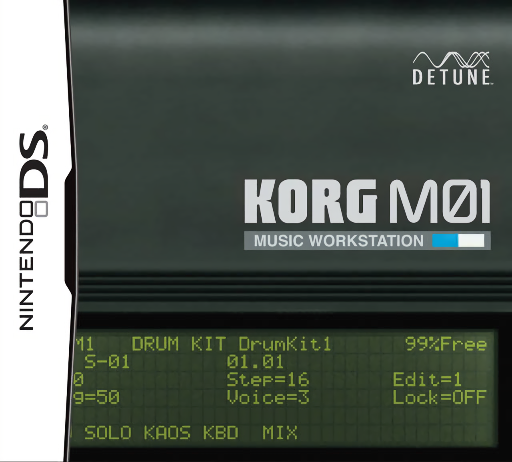
Play Korg M01 Music Workstation online. Compose with an eight-track workstation built around the digital sounds of the KORG M1, selected 01/W material and additional instruments.
Browser play
Nintendo DS (NDS) — EmulatorJS controls
Default Player 1 keyboard mapping. Change keys in Controller Settings.
| Console button | Keyboard |
|---|---|
| ↑ / ↓ / ← / → | ↑ / ↓ / ← / → |
| A / B / X / Y | Z / X / A / S |
| L / R | Q / E |
| START / SELECT | Enter / V |
| Microphone | Not assigned |
Open Controller Settings to configure your keyboard or gamepad. Touch controls are available on mobile.
How to Play Korg M01 Music Workstation
Quick start
Open a song or working session and select the first track. Choose an instrument in the sound browser, try it on the keyboard and enter a short sequence. Play it back, adjust the track level and add another part before arranging scenes and saving.
Controls
Use the stylus for the sound browser, keyboard and note/chord/rhythm input. Select notes in the sequence editor, balance track levels in the mixer and use the displayed transport controls for playback. Check the active track and scene before adding or changing notes.
Korg M01 Music Workstation — About this game
Compose with an eight-track workstation built around the digital sounds of the KORG M1, selected 01/W material and additional instruments. Choose a sound, enter notes, chords or rhythms with the stylus and arrange short scenes into a song, balancing the parts in the mixer. This DS version is centred on onboard music making with its keyboard, sequencer and effects. Begin with one instrument and a short phrase, play it back and add a drum or bass part only after the first track sounds right.
Korg M01 Music Workstation Game manuals
Cheats
No cheats have been added for this edition.
Player verification and sources
Browser play was reviewed before this edition was published in the catalogue. The date below is the catalogue publication date, not the game’s original release date.
- Browser test and catalogue publication date
- Browsers and devices
- PC: Chrome, Edge and Firefox. Mobile: Chrome on Android and Safari on iPhone and iPad.
- Player engine and core
- EmulatorJS 4.3.0-pre · nds
- Tested by
- rwEmulator
Sources and editorial basis
rwEmulator reviews edition metadata, release information, game manuals and first-hand browser-play notes. Available manuals are linked below; the editorial policy explains how facts are checked and corrections are handled.