More browsing paths
Play Logic Machines (US edition · English / French / Spanish) Online
Logic Machines
Play Logic Machines online. Place and adjust mechanical parts, test ball routes and use the DS touch controls to solve chain-reaction puzzles.
Browser play
Nintendo DS (NDS) — EmulatorJS controls
Default Player 1 keyboard mapping. Change keys in Controller Settings.
| Console button | Keyboard |
|---|---|
| ↑ / ↓ / ← / → | ↑ / ↓ / ← / → |
| A / B / X / Y | Z / X / A / S |
| L / R | Q / E |
| START / SELECT | Enter / V |
| Microphone | Not assigned |
Open Controller Settings to configure your keyboard or gamepad. Touch controls are available on mobile.
How to Play Logic Machines
Quick start
Choose an opening puzzle and read its objective before placing anything. Tap the parts basket, choose an available object and drag it into position. Use the object’s arrow handles to adjust it, then run the machine and watch the ball or target. Return to editing if the goal is not reached, change one placement and try again. Drag an empty area to inspect the rest of a large room.
Controls
Tap the basket to choose a part and drag it into place. Selected objects have arrow controls and a delete button; drag them to reposition. Drag empty space to scroll, using the top-screen overview to stay oriented. During a running puzzle that supplies a slingshot, pull it back with the stylus to release a stone. Use the displayed run/edit controls to test and revise the machine.
Logic Machines — About this game
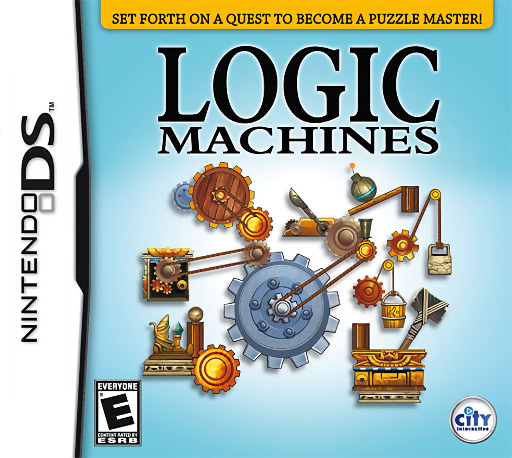
Logic Machines wraps mechanical puzzles in an Egyptian treasure hunt. Each room supplies a goal and a limited set of objects: a slope can guide a ball, a pendulum can transfer motion and a slingshot can send a stone towards a target. Arrange the available parts, run the machine and watch where the chain reaction stops. The lower screen lets you edit a section while the upper screen shows the whole room, making long routes easier to plan. Some components also need action during the simulation, such as pulling a slingshot with the stylus. A useful solution comes from the relationship between parts, so one small change to a position or angle can be more helpful than adding everything at once.
Logic Machines Game manuals
Cheats
No cheats have been added for this edition.
Player verification and sources
Browser play was reviewed before this edition was published in the catalogue. The date below is the catalogue publication date, not the game’s original release date.
- Browser test and catalogue publication date
- Browsers and devices
- PC: Chrome, Edge and Firefox. Mobile: Chrome on Android and Safari on iPhone and iPad.
- Player engine and core
- EmulatorJS 4.3.0-pre · nds
- Tested by
- rwEmulator
Sources and editorial basis
rwEmulator reviews edition metadata, release information, game manuals and first-hand browser-play notes. Available manuals are linked below; the editorial policy explains how facts are checked and corrections are handled.