More browsing paths
Play Action Fighter (US_EU_BR edition · Revision 1 · English) Online
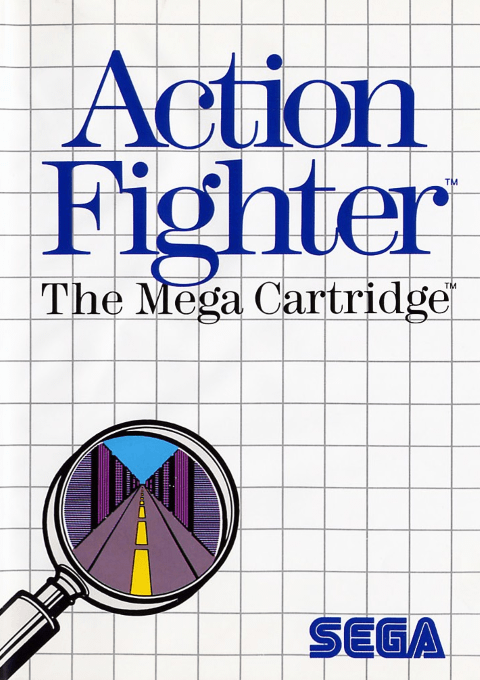
Action Fighter
Play Action Fighter online on Master System. Collect vehicle parts and fight across roads and skies.
Browser play
Sega Master System — EmulatorJS controls
Default Player 1 keyboard mapping. Change keys in Controller Settings.
| Console button | Keyboard |
|---|---|
| ↑ / ↓ / ← / → | ↑ / ↓ / ← / → |
| 1 / START | X |
| 2 | Z |
Open Controller Settings to configure your keyboard or gamepad. Touch controls are available on mobile.
How to Play Action Fighter
Quick start
Press 1 or 2 on pad 1, enter a vehicle name with the directional pad and confirm END. Read the first briefing, start the mission and collect parts while avoiding traffic.
Controls
Directional pad: steer. 2: regular missiles. 1: air-to-ground missiles while flying, or anti-helicopter missiles after two truck dockings. 1+2: switch motorcycle/car after unlocking the car. Either button: start/confirm.
Action Fighter — About this game
Action Fighter combines overhead road combat with aerial shooting. Begin on a motorcycle, collect parts to become a car, then add jet engines to take flight. Five missions demand different targets, while docking with the Sega truck improves your weapons. The opening timer lets you recover from crashes before your reserve vehicles become crucial.
Action Fighter Game manuals
Cheats
No cheats have been added for this edition.
Player verification and sources
Browser play was reviewed before this edition was published in the catalogue. The date below is the catalogue publication date, not the game’s original release date.
- Browser test and catalogue publication date
- Browsers and devices
- PC: Chrome, Edge and Firefox. Mobile: Chrome on Android and Safari on iPhone and iPad.
- Player engine and core
- EmulatorJS 4.3.0-pre · segaMS
- Tested by
- rwEmulator
Sources and editorial basis
rwEmulator reviews edition metadata, release information, game manuals and first-hand browser-play notes. Available manuals are linked below; the editorial policy explains how facts are checked and corrections are handled.