More browsing paths
Play Golvellius - Valley of Doom (US_EU_BR edition · English) Online
Golvellius - Valley of Doom
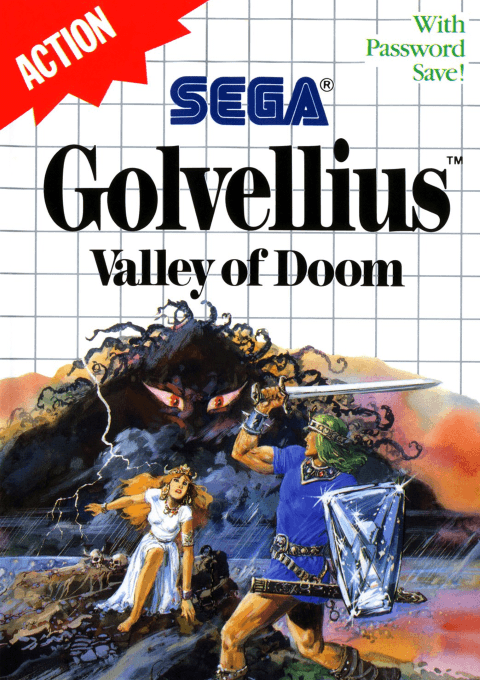
Play Golvellius: Valley of Doom online on Master System. Explore the valley as Kelesis, uncover caves and rescue the princess.
Browser play
Sega Master System — EmulatorJS controls
Default Player 1 keyboard mapping. Change keys in Controller Settings.
| Console button | Keyboard |
|---|---|
| ↑ / ↓ / ← / → | ↑ / ↓ / ← / → |
| 1 / START | X |
| 2 | Z |
Open Controller Settings to configure your keyboard or gamepad. Touch controls are available on mobile.
How to Play Golvellius - Valley of Doom
Quick start
Begin a new game and follow the opening passage. Attack with 1 and jump with 2 in side-view sections. In the valley, investigate objects and enemies for hidden caves. Record the password when the game ends.
Controls
D-pad: move. 1: sword. 2: jump in side-view passages; sword in overhead areas. Password entry: select characters with D-pad, confirm with 1.
Golvellius - Valley of Doom — About this game
Golvellius mixes overhead exploration with side-view passages. Kelesis earns gold and finds equipment to open new routes. Caves can appear after enemies are defeated or objects struck. Investigate each area before moving on. Passwords preserve possessions and half your gold.
Golvellius - Valley of Doom Game manuals
Cheats
No cheats have been added for this edition.
Player verification and sources
Browser play was reviewed before this edition was published in the catalogue. The date below is the catalogue publication date, not the game’s original release date.
- Browser test and catalogue publication date
- Browsers and devices
- PC: Chrome, Edge and Firefox. Mobile: Chrome on Android and Safari on iPhone and iPad.
- Player engine and core
- EmulatorJS 4.3.0-pre · segaMS
- Tested by
- rwEmulator
Sources and editorial basis
rwEmulator reviews edition metadata, release information, game manuals and first-hand browser-play notes. Available manuals are linked below; the editorial policy explains how facts are checked and corrections are handled.