More browsing paths
Play Lemmings 2 - The Tribes (Europe edition) Online
Lemmings 2 - The Tribes
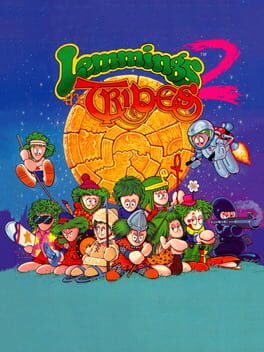
Play Lemmings 2 - The Tribes online on Master System. Help the walking lemmings reach the exit by assigning skills to individuals at the right place.
Browser play
Sega Master System — EmulatorJS controls
Default Player 1 keyboard mapping. Change keys in Controller Settings.
| Console button | Keyboard |
|---|---|
| ↑ / ↓ / ← / → | ↑ / ↓ / ← / → |
| 1 / START | X |
| 2 | Z |
Open Controller Settings to configure your keyboard or gamepad. Touch controls are available on mobile.
How to Play Lemmings 2 - The Tribes
Quick start
Move the selection cursor, choose an available skill and assign it to the lemming that should perform it. Check the route before committing each job.
Controls
Move the selection cursor, choose an available skill and assign it to the lemming that should perform it. Check the route before committing each job.
Lemmings 2 - The Tribes — About this game
Help the walking lemmings reach the exit by assigning skills to individuals at the right place. A bridge can open a route across a gap, while terrain-changing jobs create a different way through the landscape. Watch how the group moves before assigning a skill: an action in the wrong position can leave the rest heading toward danger. Read the route ahead and connect useful jobs into a path the group can follow.
Cheats
No cheats have been added for this edition.
Player verification and sources
Browser play was reviewed before this edition was published in the catalogue. The date below is the catalogue publication date, not the game’s original release date.
- Browser test and catalogue publication date
- Browsers and devices
- PC: Chrome, Edge and Firefox. Mobile: Chrome on Android and Safari on iPhone and iPad.
- Player engine and core
- EmulatorJS 4.3.0-pre · segaMS
- Tested by
- rwEmulator
Sources and editorial basis
rwEmulator reviews edition metadata, release information, game manuals and first-hand browser-play notes. Available manuals are linked below; the editorial policy explains how facts are checked and corrections are handled.