More browsing paths
Play NBA Jam (Europe edition) Online
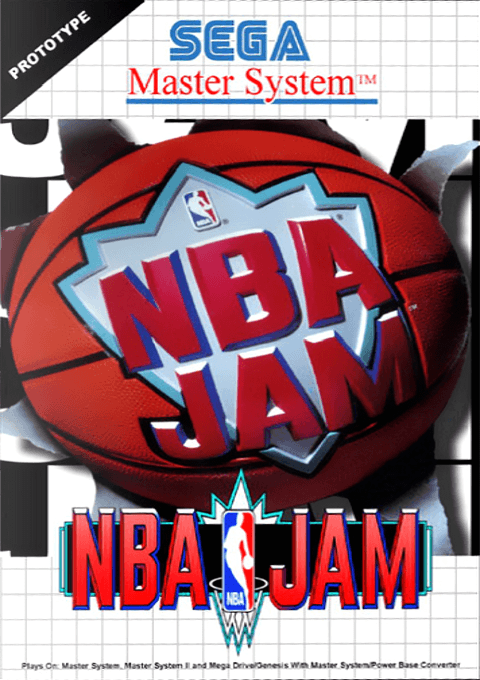
NBA Jam
Play NBA Jam online on Master System. Work the ball toward the basket, pass to a better-positioned teammate and shoot when an opening appears.
Browser play
Sega Master System — EmulatorJS controls
Default Player 1 keyboard mapping. Change keys in Controller Settings.
| Console button | Keyboard |
|---|---|
| ↑ / ↓ / ← / → | ↑ / ↓ / ← / → |
| 1 / START | X |
| 2 | Z |
Open Controller Settings to configure your keyboard or gamepad. Touch controls are available on mobile.
How to Play NBA Jam
Quick start
Use directions to move on court and the passing and shooting actions when you have the ball. Reposition toward the opposing ball carrier when defending.
Controls
Use directions to move on court and the passing and shooting actions when you have the ball. Reposition toward the opposing ball carrier when defending.
NBA Jam — About this game
Work the ball toward the basket, pass to a better-positioned teammate and shoot when an opening appears. When possession changes, turn your attention to the player with the ball and the route toward your own basket. Good positioning matters at both ends of the court: getting too close to a defender can narrow your shooting angle, while moving into space gives the attack another option. Follow the ball and switch between creating chances and closing them down.
Cheats
No cheats have been added for this edition.
Player verification and sources
Browser play was reviewed before this edition was published in the catalogue. The date below is the catalogue publication date, not the game’s original release date.
- Browser test and catalogue publication date
- Browsers and devices
- PC: Chrome, Edge and Firefox. Mobile: Chrome on Android and Safari on iPhone and iPad.
- Player engine and core
- EmulatorJS 4.3.0-pre · segaMS
- Tested by
- rwEmulator
Sources and editorial basis
rwEmulator reviews edition metadata, release information, game manuals and first-hand browser-play notes. Available manuals are linked below; the editorial policy explains how facts are checked and corrections are handled.