More browsing paths
Play The Lion King (EU_BR edition · English) Online
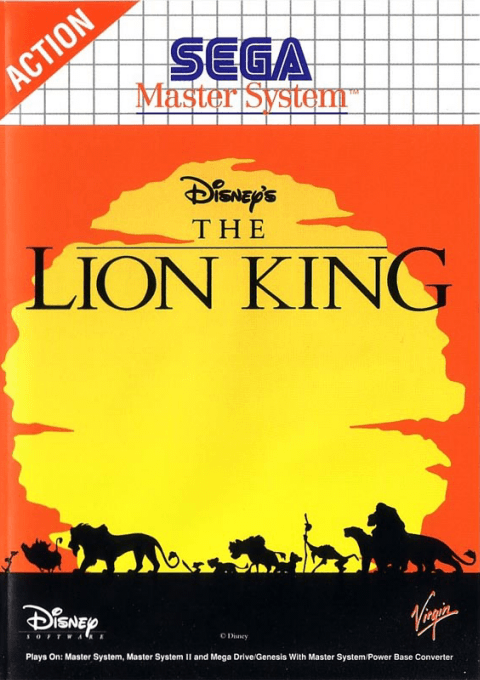
The Lion King
Play The Lion King on Master System online. Follow Simba from cub to adult through a platform adventure.
Browser play
Sega Master System — EmulatorJS controls
Default Player 1 keyboard mapping. Change keys in Controller Settings.
| Console button | Keyboard |
|---|---|
| ↑ / ↓ / ← / → | ↑ / ↓ / ← / → |
| 1 / START | X |
| 2 | Z |
Open Controller Settings to configure your keyboard or gamepad. Touch controls are available on mobile.
How to Play The Lion King
Quick start
Use 1 in the menu and begin with Cub to learn the opening stages.
Controls
Default: 1 jumps, 2 attacks. Cub: down+left/right rolls; standing attack growls, airborne attack attacks in midair. Adult: direction+attack uses paws. Triggers swaps 1 and 2.
The Lion King — About this game
Simba’s abilities change as he grows. As a cub he can roll and growl, while his airborne attack helps with enemies; adult Simba uses paw attacks. Movement and timing remain central across the adventure. Difficulty also changes its scope: the Cub setting covers four levels, whereas Lion Prince and Lion King offer ten. Start with the default jump and attack buttons, then use Triggers if you prefer to swap them.
The Lion King Game manuals
Cheats
No cheats have been added for this edition.
Player verification and sources
Browser play was reviewed before this edition was published in the catalogue. The date below is the catalogue publication date, not the game’s original release date.
- Browser test and catalogue publication date
- Browsers and devices
- PC: Chrome, Edge and Firefox. Mobile: Chrome on Android and Safari on iPhone and iPad.
- Player engine and core
- EmulatorJS 4.3.0-pre · segaMS
- Tested by
- rwEmulator
Sources and editorial basis
rwEmulator reviews edition metadata, release information, game manuals and first-hand browser-play notes. Available manuals are linked below; the editorial policy explains how facts are checked and corrections are handled.