More browsing paths
Play Matchstick (US edition · English / Spanish) Online
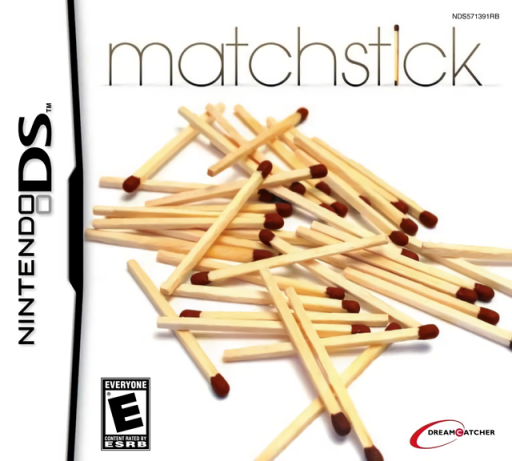
Matchstick
Play Matchstick online. Rearrange matchsticks to correct equations and solve geometric figures.
Browser play
Nintendo DS (NDS) — EmulatorJS controls
Default Player 1 keyboard mapping. Change keys in Controller Settings.
| Console button | Keyboard |
|---|---|
| ↑ / ↓ / ← / → | ↑ / ↓ / ← / → |
| A / B / X / Y | Z / X / A / S |
| L / R | Q / E |
| START / SELECT | Enter / V |
| Microphone | Not assigned |
Open Controller Settings to configure your keyboard or gamepad. Touch controls are available on mobile.
How to Play Matchstick
Quick start
Choose a first puzzle and read exactly how many matches may be added, removed or moved. Inspect the whole figure before dragging one stick. Submit the new arrangement only after checking both the target and the move restriction; try Time Attack after learning ordinary puzzles.
Controls
Use the DS stylus to select, drag and rotate individual matchsticks on the lower board while reading the question above. Follow the current puzzle’s add, remove or move rule. Use the shown confirmation, hint or reset controls when needed; make precise placements so the arrangement can be recognized.
Matchstick — About this game
Matchstick makes the number of permitted stick changes part of each puzzle. Add, remove or reposition matches to change a geometric figure, adjust a symbol or make an equation true. A visually plausible answer can still fail if it breaks the instruction, so check what counts as one move before submitting. Difficulty groups offer a route from familiar shapes to less obvious interpretations, and Time Attack puts several problems under a clock. Begin in ordinary play to learn accurate selection and rotation before trying to solve quickly. Begin with the opening instructions and practice the main interaction before pursuing optional rewards. Read the current objective, make one deliberate choice and watch its effect before repeating it. A short first session makes it easier to separate a missed instruction from a difficult challenge. Return to the available menu when you need to check progress or adjust your approach, then continue from the next clear objective.
Matchstick Game manuals
Cheats
No cheats have been added for this edition.
Player verification and sources
Browser play was reviewed before this edition was published in the catalogue. The date below is the catalogue publication date, not the game’s original release date.
- Browser test and catalogue publication date
- Browsers and devices
- PC: Chrome, Edge and Firefox. Mobile: Chrome on Android and Safari on iPhone and iPad.
- Player engine and core
- EmulatorJS 4.3.0-pre · nds
- Tested by
- rwEmulator
Sources and editorial basis
rwEmulator reviews edition metadata, release information, game manuals and first-hand browser-play notes. Available manuals are linked below; the editorial policy explains how facts are checked and corrections are handled.