More browsing paths
Play Napoleon Senki (Japan edition · Japanese) Online
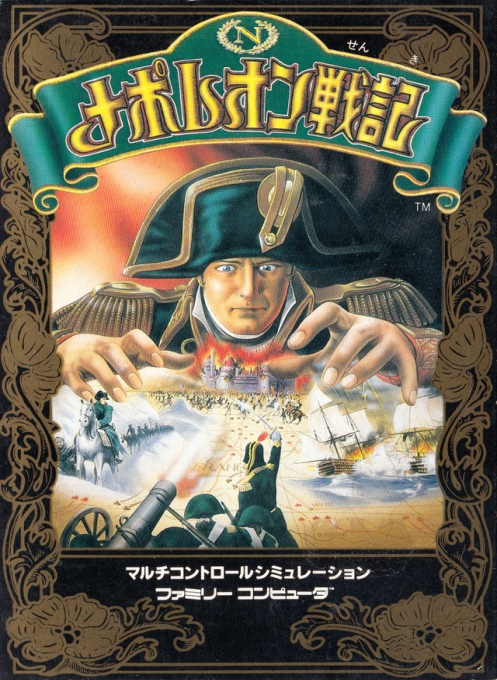
Napoleon Senki
Play Napoleon Wars online. Instruct your advance direction and stop, and combine supplies, troop types, and formations to capture the enemy's base. Introducing how to get started and how to operate it.
Browser play
Nintendo Entertainment System (NES) / Famicom — EmulatorJS controls
Default Player 1 keyboard mapping. Change keys in Controller Settings.
| Console button | Keyboard |
|---|---|
| ↑ / ↓ / ← / → | ↑ / ↓ / ← / → |
| A / B | Z / X |
| START / SELECT | Enter / V |
Open Controller Settings to configure your keyboard or gamepad. Touch controls are available on mobile.
How to Play Napoleon Senki
Quick start
Press SELECT on the title, select START, and proceed with the START button. Check the operation method in the situation settings, and if it's your first time, try using the A+ direction command with "Ni". After setting, start with START. On an expedition to Italy, first use SELECT to check the breakdown of allied troops and the location of supply units, then direct your allies to the nearest supply unit. The troops you hover over will continue to move in the specified direction, so practice commands to stop them. After contacting the enemy, choose normal battle or automatic battle, and if you choose manual battle, select the formation with A and B and decide with START.
Controls
Cross button: Move the cursor. Operation "1" A: Switch the display of advance direction and stop in order. A + direction of operation "Ni": Make the arrow in that direction, and if it is only A, stop display. Hover your cursor over a soldier or unit to give instructions. B+ direction: Move the cursor at double the normal speed. SELECT: See the strength of your troops on the strategic map. On the tactical map, enlarge the cursor and direct multiple soldiers. START: Start, decide on formation, pause on strategic/tactical map. For the pass number, select a number using up/down or A/B, select a digit using left/right, and confirm with START.
Napoleon Senki — About this game
In Napoleon Wars, you use the cursor to command troops on the strategic map and soldiers on the tactical map. Rather than specifying a destination and waiting, it is a method of commanding the direction of movement and stopping, so it is necessary to keep an eye on the positions of allies once they are moved. If you defeat the troops defending the enemy's home base, you will pass the scenario, but if you lose your own home base or the troops that go outside are wiped out, you will be defeated. The white supply unit will join the side that makes contact first, so they want to join before they are captured by the enemy. In battle, choose a formation that matches the type of troops and obstacles, and aim at the enemy commander. In addition to the usual seven scenarios, there is also a system in which the loser can advance to Waterloo once as a repechage.
Cheats
No cheats have been added for this edition.
Player verification and sources
Browser play was reviewed before this edition was published in the catalogue. The date below is the catalogue publication date, not the game’s original release date.
- Browser test and catalogue publication date
- Browsers and devices
- PC: Chrome, Edge and Firefox. Mobile: Chrome on Android and Safari on iPhone and iPad.
- Player engine and core
- EmulatorJS 4.3.0-pre · nes
- Tested by
- rwEmulator
Sources and editorial basis
rwEmulator reviews edition metadata, release information, game manuals and first-hand browser-play notes. Available manuals are linked below; the editorial policy explains how facts are checked and corrections are handled.