More browsing paths
Play Soreike!! Hanafuda Doujou (Japan edition · Japanese) Online
Soreike!! Hanafuda Doujou
Play Soreike!! Hanafuda Doujou online and explore its flower-card matching and scoring combinations. Read the quick start and controls before you begin.
Browser play
Neo Geo Pocket — EmulatorJS controls
Default Player 1 keyboard mapping. Change keys in Controller Settings.
| Console button | Keyboard |
|---|---|
| ↑ / ↓ / ← / → | ↑ / ↓ / ← / → |
| A / B | X / Z |
| OPTION | Enter |
Open Controller Settings to configure your keyboard or gamepad. Touch controls are available on mobile.
How to Play Soreike!! Hanafuda Doujou
Quick start
Choose a game and inspect your hand and the table. Select a hand card that matches the month of an exposed card, then follow the capture prompt.
Controls
Stick: select cards and commands. A: play or confirm. B: cancel a selection or return to the previous menu.
Soreike!! Hanafuda Doujou — About this game
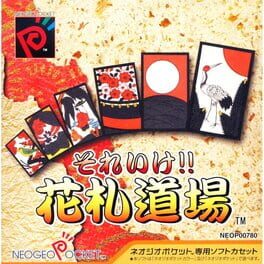
Soreike!! Hanafuda Doujou turns traditional Japanese flower cards into a portable contest built around month-matching and scoring combinations. Match cards in your hand with cards of the same month on the table and build scoring combinations. Consider the whole collection rather than the value of a single capture: taking one useful card can also prevent the opponent from completing a set. Follow the chosen rule set when deciding whether to continue a hand.
Cheats
No cheats have been added for this edition.
Player verification and sources
Browser play was reviewed before this edition was published in the catalogue. The date below is the catalogue publication date, not the game’s original release date.
- Browser test and catalogue publication date
- Browsers and devices
- PC: Chrome, Edge and Firefox. Mobile: Chrome on Android and Safari on iPhone and iPad.
- Player engine and core
- EmulatorJS 4.3.0-pre · ngp
- Tested by
- rwEmulator
Sources and editorial basis
rwEmulator reviews edition metadata, release information, game manuals and first-hand browser-play notes. Available manuals are linked below; the editorial policy explains how facts are checked and corrections are handled.