More browsing paths
Play Lord of Wars (Japan edition · Japanese) Online
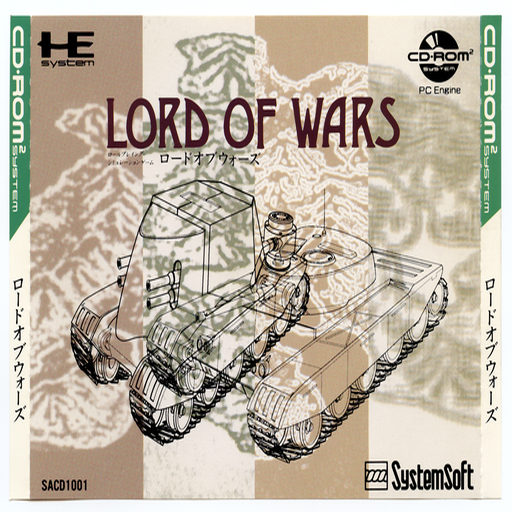
Lord of Wars
Play Lord of Wars Online — Command armoured vehicles in a turn-based campaign to conquer the island and reach its final fortress.
Browser play
PC Engine CD / TurboGrafx-CD — EmulatorJS controls
Default Player 1 keyboard mapping. Change keys in Controller Settings.
| Console button | Keyboard |
|---|---|
| ↑ / ↓ / ← / → | ↑ / ↓ / ← / → |
| I / II | Z / X |
| RUN / SELECT | Enter / V |
Open Controller Settings to configure your keyboard or gamepad. Touch controls are available on mobile.
How to Play Lord of Wars
Quick start
Start a scenario, read its objective and inspect your forces. Move a durable unit towards the main approach while keeping another unit close enough to support the first engagement.
Controls
Use the direction pad to choose a menu item. I confirms or interacts; II cancels.
Lord of Wars — About this game
Command armoured vehicles in a turn-based campaign to conquer the island and reach its final fortress. Choose commanders and vehicle types, then issue movement and battle orders before watching the engagements resolve. Tanks, armoured cars and repair support have different jobs, so keep the force together rather than sending the fastest vehicle ahead alone. Training mode offers a way to learn the system before committing to the campaign. Inspect the map, protect the support vehicles and let the next objective guide your deployment.
Cheats
No cheats have been added for this edition.
Player verification and sources
Browser play was reviewed before this edition was published in the catalogue. The date below is the catalogue publication date, not the game’s original release date.
- Browser test and catalogue publication date
- Browsers and devices
- PC: Chrome, Edge and Firefox. Mobile: Chrome on Android and Safari on iPhone and iPad.
- Player engine and core
- EmulatorJS 4.3.0-pre · pce
- Tested by
- rwEmulator
Sources and editorial basis
rwEmulator reviews edition metadata, release information, game manuals and first-hand browser-play notes. Available manuals are linked below; the editorial policy explains how facts are checked and corrections are handled.