More browsing paths
Play Pocket Bomberman (SGB Enhanced / GB Compatible · US_EU edition · English) Online
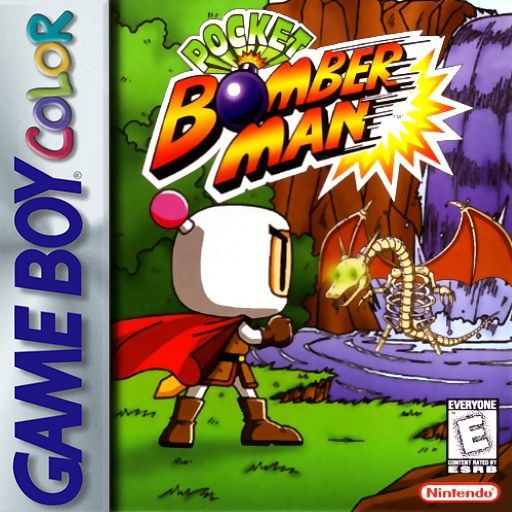
Pocket Bomberman
Play Pocket Bomberman online on GBC. Jump, plant airborne bombs and clear enemies across five worlds.
Browser play
Game Boy Color (GBC) — EmulatorJS controls
Default Player 1 keyboard mapping. Change keys in Controller Settings.
| Console button | Keyboard |
|---|---|
| ↑ / ↓ / ← / → | ↑ / ↓ / ← / → |
| A / B | Z / X |
| START / SELECT | Enter / V |
Open Controller Settings to configure your keyboard or gamepad. Touch controls are available on mobile.
How to Play Pocket Bomberman
Quick start
Choose Normal Game, move with the directional pad and jump with B. Place a bomb with A, move clear and defeat the stage’s enemies before heading to the opened exit.
Controls
Directional pad moves and selects. A places bombs and confirms; B jumps and cancels menus. START pauses or resumes. With the Remote Controller item, SELECT detonates bombs; Wings allow another B press in the air for extra height.
Pocket Bomberman — About this game
The normal adventure spans five worlds, each ending in a large enemy. Bombs can be placed in midair and used as temporary footholds, so the same tool clears enemies and helps you reach higher ground. Learn the blast timing before building a bomb staircase; the foothold will not stay safe for long.
Pocket Bomberman Game manuals
Cheats
No cheats have been added for this edition.
Player verification and sources
Browser play was reviewed before this edition was published in the catalogue. The date below is the catalogue publication date, not the game’s original release date.
- Browser test and catalogue publication date
- Browsers and devices
- PC: Chrome, Edge and Firefox. Mobile: Chrome on Android and Safari on iPhone and iPad.
- Player engine and core
- EmulatorJS 4.3.0-pre · gb
- Tested by
- rwEmulator
Sources and editorial basis
rwEmulator reviews edition metadata, release information, game manuals and first-hand browser-play notes. Available manuals are linked below; the editorial policy explains how facts are checked and corrections are handled.