More browsing paths
Play Polarium (US_AU edition · English) Online
Polarium
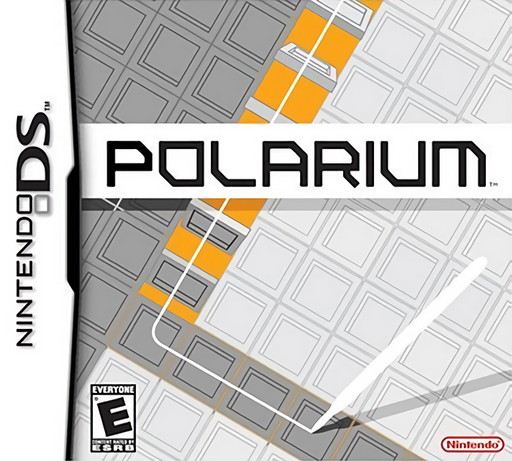
Play Polarium online. Draw a continuous path, flip black and white tiles and clear uniform rows in thoughtful Puzzle mode or fast-moving Challenge play.
Browser play
Nintendo DS (NDS) — EmulatorJS controls
Default Player 1 keyboard mapping. Change keys in Controller Settings.
| Console button | Keyboard |
|---|---|
| ↑ / ↓ / ← / → | ↑ / ↓ / ← / → |
| A / B / X / Y | Z / X / A / S |
| L / R | Q / E |
| START / SELECT | Enter / V |
| Microphone | Not assigned |
Open Controller Settings to configure your keyboard or gamepad. Touch controls are available on mobile.
How to Play Polarium
Quick start
Open Lounge → Tutorial to practise drawing and confirming a route. Then choose Puzzle and the first available problem. Work out which tiles need flipping in each row before drawing one continuous path through them, using the grey border to connect sections. Lift the stylus and tap the final selected tile to commit. If the route is wrong, use the cross-shaped cancel control and redraw.
Controls
Use the DS stylus to select adjacent squares in one continuous route. Selected black and white tiles change to the opposite colour when confirmed. Lift the stylus, then tap the final highlighted tile to execute the flip. Tap the white cross in the blue cancel box to discard a route. Grey edge squares let you connect sections without altering coloured tiles. In Puzzle mode, plan a single route that makes every row uniform.
Polarium — About this game
Polarium builds its puzzles around changing colours with a continuous stylus route. The tiles you select flip from black to white or white to black, and each horizontal row clears when it becomes a single colour. In Puzzle mode, one carefully planned route must solve the board. Challenge mode adds falling rows and pressure to clear space quickly. Grey border squares provide connecting space for your path, so the best route often uses the area outside the tiles as well.
Polarium Game manuals
Cheats
No cheats have been added for this edition.
Player verification and sources
Browser play was reviewed before this edition was published in the catalogue. The date below is the catalogue publication date, not the game’s original release date.
- Browser test and catalogue publication date
- Browsers and devices
- PC: Chrome, Edge and Firefox. Mobile: Chrome on Android and Safari on iPhone and iPad.
- Player engine and core
- EmulatorJS 4.3.0-pre · nds
- Tested by
- rwEmulator
Sources and editorial basis
rwEmulator reviews edition metadata, release information, game manuals and first-hand browser-play notes. Available manuals are linked below; the editorial policy explains how facts are checked and corrections are handled.