More browsing paths
Play Stack-Up (World edition · English) Online
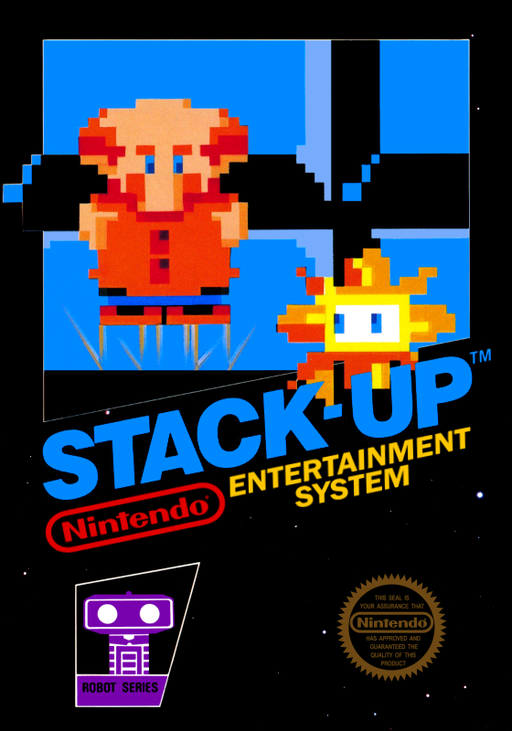
Stack-Up
Explore Stack-Up online and learn Robot Block's commands. Plan colored-block arrangements in Direct, Memory, and Bingo; the original game requires R.O.B.
Browser play
Nintendo Entertainment System (NES) / Famicom — EmulatorJS controls
Default Player 1 keyboard mapping. Change keys in Controller Settings.
| Console button | Keyboard |
|---|---|
| ↑ / ↓ / ← / → | ↑ / ↓ / ← / → |
| A / B | Z / X |
| START / SELECT | Enter / V |
Open Controller Settings to configure your keyboard or gamepad. Touch controls are available on mobile.
How to Play Stack-Up
Quick start
With the original R.O.B. set, attach the hands and five trays, then use TEST to check that the robot receives screen signals. Use SELECT to choose DIRECT and START to begin. Stack the blocks on the center tray from top to bottom: red, white, blue, yellow, green. Move Hector onto command keys to rearrange them like the target. When the real stack matches, press START to confirm. Online play needs an environment that explicitly supports the robot activity.
Controls
Direction pad: move Hector across the command keys; controller 2 moves Vector in two-player Bingo. SELECT: choose a mode at the menu or return to the menu during play. START: start a mode or confirm a completed stack; in Memory, proceed to speed selection and playback. Memory programming: A moves the command cursor right, B left. During Memory playback and Bingo, A or B pauses/resumes. These are screen commands, not a replacement for the physical robot.
Stack-Up — About this game
Stack-Up, titled Robot Block on screen, turns the NES into a command station for R.O.B. rather than a conventional block-dropping game. The robot lifts, rotates, grips, and releases five physical blocks to match the target arrangement. Direct mode sends each instruction immediately, while Memory lets you plan a sequence before playback. Bingo adds a command board and interfering bugs. Efficient moves and quick solutions improve the score. The original experience requires the robot, its hands, five trays, and five blocks; displaying the ROM alone does not recreate the physical stacking activity.
Cheats
No cheats have been added for this edition.
Player verification and sources
Browser play was reviewed before this edition was published in the catalogue. The date below is the catalogue publication date, not the game’s original release date.
- Browser test and catalogue publication date
- Browsers and devices
- PC: Chrome, Edge and Firefox. Mobile: Chrome on Android and Safari on iPhone and iPad.
- Player engine and core
- EmulatorJS 4.3.0-pre · nes
- Tested by
- rwEmulator
Sources and editorial basis
rwEmulator reviews edition metadata, release information, game manuals and first-hand browser-play notes. Available manuals are linked below; the editorial policy explains how facts are checked and corrections are handled.