More browsing paths
Play Sansuu Puzzle de Migaku - Gakken Otona no Shikou Sense (Japan edition · Japanese) Online
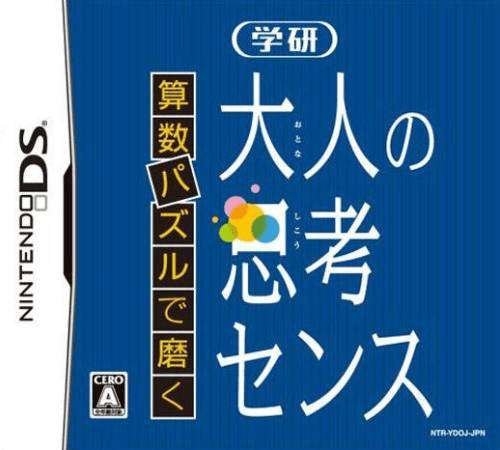
Sansuu Puzzle de Migaku - Gakken Otona no Shikou Sense
Play Sansuu Puzzle de Migaku - Gakken Otona no Shikou Sense online. Solve arithmetic and logic puzzles by tracing routes, swapping cards and completing patterns. See the Nintendo DS starting guide and controls.
Browser play
Nintendo DS (NDS) — EmulatorJS controls
Default Player 1 keyboard mapping. Change keys in Controller Settings.
| Console button | Keyboard |
|---|---|
| ↑ / ↓ / ← / → | ↑ / ↓ / ← / → |
| A / B / X / Y | Z / X / A / S |
| L / R | Q / E |
| START / SELECT | Enter / V |
| Microphone | Not assigned |
Open Controller Settings to configure your keyboard or gamepad. Touch controls are available on mobile.
How to Play Sansuu Puzzle de Migaku - Gakken Otona no Shikou Sense
Quick start
Select an introductory puzzle type and read the example. Try a route or card arrangement, check the result and only then move to missing-number or balance questions.
Controls
Use the stylus for the action shown: trace squares, choose or move cards, add a line or select a numerical answer. Read the current example before submitting; input changes with the puzzle type.
Sansuu Puzzle de Migaku - Gakken Otona no Shikou Sense — About this game
Gakken's collection uses twenty-three puzzle types to turn number and spatial reasoning into short tasks. Follow a prescribed route across squares, swap adjacent cards to match a model or work out weights on a balance. Other questions ask for missing digits in a calculation or a line added to a ladder puzzle. Begin with one type and read its rule before trying to answer quickly. The DS touch interface supports different actions for different puzzles, so a route-tracing task should be approached differently from a numerical answer. Review the result and change type when you understand the current rule.
Sansuu Puzzle de Migaku - Gakken Otona no Shikou Sense Game manuals
Cheats
No cheats have been added for this edition.
Player verification and sources
Browser play was reviewed before this edition was published in the catalogue. The date below is the catalogue publication date, not the game’s original release date.
- Browser test and catalogue publication date
- Browsers and devices
- PC: Chrome, Edge and Firefox. Mobile: Chrome on Android and Safari on iPhone and iPad.
- Player engine and core
- EmulatorJS 4.3.0-pre · nds
- Tested by
- rwEmulator
Sources and editorial basis
rwEmulator reviews edition metadata, release information, game manuals and first-hand browser-play notes. Available manuals are linked below; the editorial policy explains how facts are checked and corrections are handled.