More browsing paths
Play Arno Dash (v1.03 · World edition) Online
Arno Dash
Play Arno Dash online. Dig through earth to collect the diamonds needed to reveal a cave's exit.
Browser play
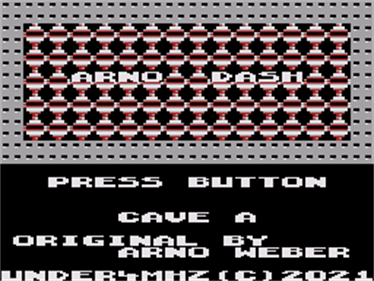
Sega SG-1000 — EmulatorJS controls
Default Player 1 keyboard mapping. Change keys in Controller Settings.
| Console button | Keyboard |
|---|---|
| ↑ / ↓ / ← / → | ↑ / ↓ / ← / → |
| 1 / 2 | X / Z |
Open Controller Settings to configure your keyboard or gamepad. Touch controls are available on mobile.
How to Play Arno Dash
Quick start
Choose a cave with left/right and difficulty with up/down. Start on an early cave at a low setting, collect the required diamonds and head for the exit before time runs out.
Controls
Directions move Arno. Hold the action button plus a direction to dig, collect or push without moving. After losing a life, press the action button to restart the cave.
Arno Dash — About this game
Dig through earth to collect the diamonds needed to reveal a cave's exit. Boulders fall into cleared spaces, while fireflies and butterflies make careless routes deadly. Sixteen caves and five difficulty settings alter the required collection and available time. Holding the action button while pressing a direction lets Arno dig, collect or push without moving into that square. This makes it possible to prepare a route while keeping clear of a falling rock, rather than rushing directly beneath it.
Cheats
No cheats have been added for this edition.
Player verification and sources
Browser play was reviewed before this edition was published in the catalogue. The date below is the catalogue publication date, not the game’s original release date.
- Browser test and catalogue publication date
- Browsers and devices
- PC: Chrome, Edge and Firefox. Mobile: Chrome on Android and Safari on iPhone and iPad.
- Player engine and core
- EmulatorJS 4.3.0-pre · genesis_plus_gx
- Tested by
- rwEmulator
Sources and editorial basis
rwEmulator reviews edition metadata, release information, game manuals and first-hand browser-play notes. Available manuals are linked below; the editorial policy explains how facts are checked and corrections are handled.