More browsing paths
Play The Castle (Taiwan edition) Online
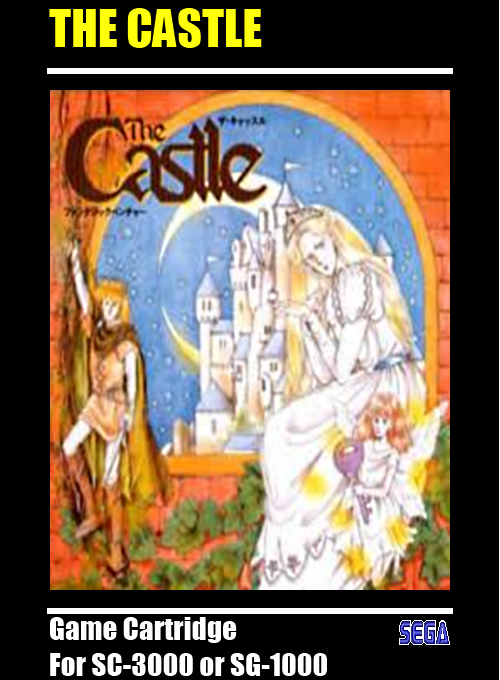
The Castle
Play The Castle online. Explore a castle of interconnected puzzle rooms to rescue the princess.
Browser play
Sega SG-1000 — EmulatorJS controls
Default Player 1 keyboard mapping. Change keys in Controller Settings.
| Console button | Keyboard |
|---|---|
| ↑ / ↓ / ← / → | ↑ / ↓ / ← / → |
| 1 / 2 | X / Z |
Open Controller Settings to configure your keyboard or gamepad. Touch controls are available on mobile.
How to Play The Castle
Quick start
Press button 1 to start. Inspect the first room, collect reachable keys and check an exit before pushing a block.
Controls
Directions: move and push blocks. Button 1: start and switch speed. Button 2: jump; hold it longer for a higher jump.
The Castle — About this game
Explore a castle of interconnected puzzle rooms to rescue the princess. Collect keys, work out which doors they open and push blocks to create routes through the rooms. A poorly placed block can leave you trapped, so study the exits before changing the layout. The SG-1000 version lets you switch the game speed; use the slower setting when a jump needs careful timing.
The Castle Game manuals
Cheats
No cheats have been added for this edition.
Player verification and sources
Browser play was reviewed before this edition was published in the catalogue. The date below is the catalogue publication date, not the game’s original release date.
- Browser test and catalogue publication date
- Browsers and devices
- PC: Chrome, Edge and Firefox. Mobile: Chrome on Android and Safari on iPhone and iPad.
- Player engine and core
- EmulatorJS 4.3.0-pre · genesis_plus_gx
- Tested by
- rwEmulator
Sources and editorial basis
rwEmulator reviews edition metadata, release information, game manuals and first-hand browser-play notes. Available manuals are linked below; the editorial policy explains how facts are checked and corrections are handled.