More browsing paths
Play Shougi 3 (Japan edition · Japanese) Online
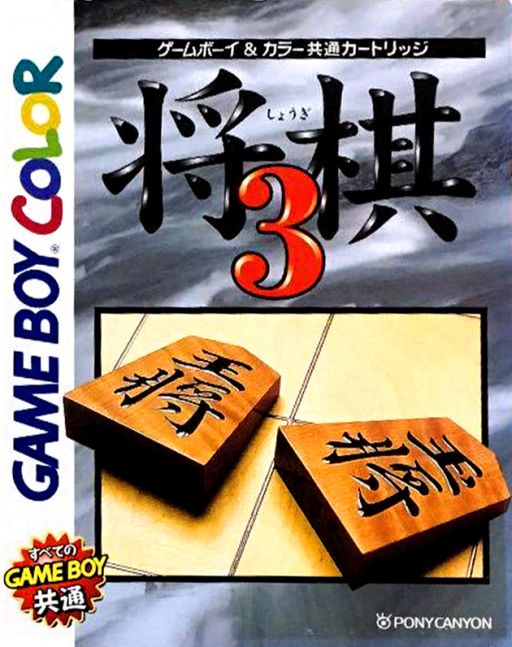
Shougi 3
Play Shougi 3 online on GBC. Plan moves, promotions and piece drops in handheld shogi.
Browser play
Game Boy Color (GBC) — EmulatorJS controls
Default Player 1 keyboard mapping. Change keys in Controller Settings.
| Console button | Keyboard |
|---|---|
| ↑ / ↓ / ← / → | ↑ / ↓ / ← / → |
| A / B | Z / X |
| START / SELECT | Enter / V |
Open Controller Settings to configure your keyboard or gamepad. Touch controls are available on mobile.
How to Play Shougi 3
Quick start
Start a match, choose the available opponent and side, then inspect the initial position. Move the cursor with the directional pad, press A to select a piece and A again on its destination. B cancels the selection. Before moving, check that your king remains protected.
Controls
The directional pad moves the board cursor and menu selection. A selects a piece, confirms its destination or chooses a menu option; B cancels or returns. Select captured pieces from the reserve to drop them on a legal square.
Shougi 3 — About this game
Look beyond the piece you can take on the current turn. Check which lines would open toward your king and which squares a captured piece could threaten when dropped back into play. Keep defenders connected and plan promotions without leaving an undefended attack route. The small board makes it possible to study a position carefully before committing.
Cheats
No cheats have been added for this edition.
Player verification and sources
Browser play was reviewed before this edition was published in the catalogue. The date below is the catalogue publication date, not the game’s original release date.
- Browser test and catalogue publication date
- Browsers and devices
- PC: Chrome, Edge and Firefox. Mobile: Chrome on Android and Safari on iPhone and iPad.
- Player engine and core
- EmulatorJS 4.3.0-pre · gb
- Tested by
- rwEmulator
Sources and editorial basis
rwEmulator reviews edition metadata, release information, game manuals and first-hand browser-play notes. Available manuals are linked below; the editorial policy explains how facts are checked and corrections are handled.