More browsing paths
Play The Smurfs 2 (US edition · English / French / Spanish) Online
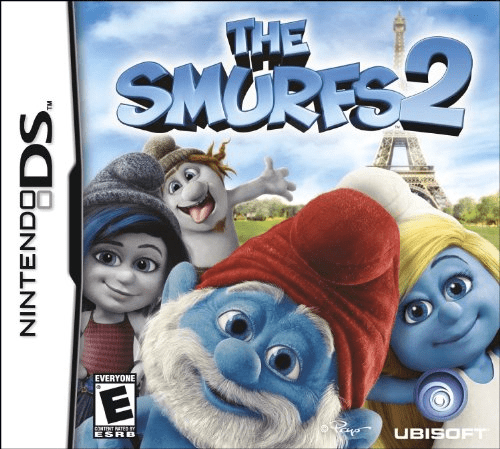
Smurfs 2, The
Play The Smurfs 2 online. Read along with the Smurfs’ movie story, play nine touch activities and collect virtual Smurf figures. Learn how to begin and use the Nintendo DS menus.
Browser play
Nintendo DS (NDS) — EmulatorJS controls
Default Player 1 keyboard mapping. Change keys in Controller Settings.
| Console button | Keyboard |
|---|---|
| ↑ / ↓ / ← / → | ↑ / ↓ / ← / → |
| A / B / X / Y | Z / X / A / S |
| L / R | Q / E |
| START / SELECT | Enter / V |
| Microphone | Not assigned |
Open Controller Settings to configure your keyboard or gamepad. Touch controls are available on mobile.
How to Play The Smurfs 2
Quick start
Begin with the storybook and follow its highlighted words. Touch an indicated picture detail to try a game, then use the minigame menu to replay at a suitable difficulty and inspect new figures.
Controls
Use the stylus on story details and minigame targets. Follow the selected activity’s drawing, selection or movement prompt. The story uses a sideways DS layout; menu controls choose difficulty and the figure collection.
The Smurfs 2 — About this game
The Smurfs 2 combines a read-along storybook with nine minigames and creative activities. Hold the DS sideways: the left screen underlines spoken words while the right shows an interactive picture. Touch highlighted details to enter a game, or choose an activity directly from the menu. Coloring, cake decorating and Smurfette dress-up sit alongside memory, sequence, racing and flying challenges. Start with the story or an easy activity, then adjust difficulty in the minigame menu. Good results unlock figures that you can rotate and arrange in the collection.
The Smurfs 2 Game manuals
Cheats
No cheats have been added for this edition.
Player verification and sources
Browser play was reviewed before this edition was published in the catalogue. The date below is the catalogue publication date, not the game’s original release date.
- Browser test and catalogue publication date
- Browsers and devices
- PC: Chrome, Edge and Firefox. Mobile: Chrome on Android and Safari on iPhone and iPad.
- Player engine and core
- EmulatorJS 4.3.0-pre · nds
- Tested by
- rwEmulator
Sources and editorial basis
rwEmulator reviews edition metadata, release information, game manuals and first-hand browser-play notes. Available manuals are linked below; the editorial policy explains how facts are checked and corrections are handled.