More browsing paths
Play Soccer (Europe edition · English) Online
Soccer
Play Nintendo Soccer online. Choose your team, aim shots with A, pass with B and challenge the computer or another player in a classic NES match.
Browser play
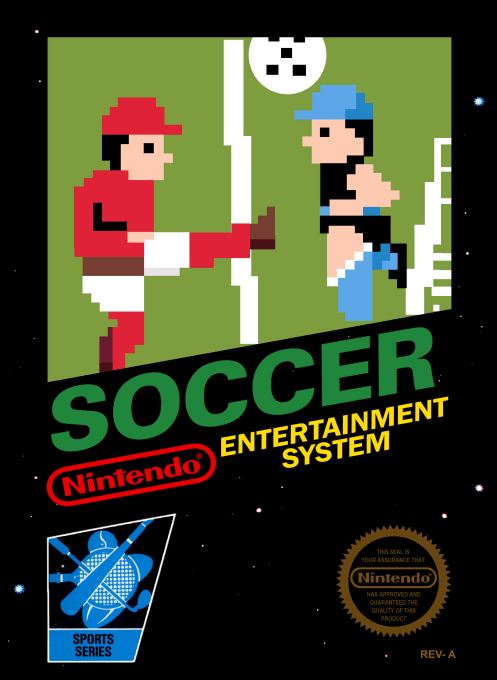
Nintendo Entertainment System (NES) / Famicom — EmulatorJS controls
Default Player 1 keyboard mapping. Change keys in Controller Settings.
| Console button | Keyboard |
|---|---|
| ↑ / ↓ / ← / → | ↑ / ↓ / ← / → |
| A / B | Z / X |
| START / SELECT | Enter / V |
Open Controller Settings to configure your keyboard or gamepad. Touch controls are available on mobile.
How to Play Soccer
Quick start
Choose 1 PLAYER GAME or 2 PLAYER GAME on the title screen with SELECT, then enter the selections screen with START. Use Up/Down to choose TEAM SELECT, SKILL LEVEL or HALF TIME, and Left/Right to change the value; begin on skill 1 and press START. Follow the number above your active player. Use B to pass, then approach the goal and adjust the arrow with Up/Down before shooting with A. On defence, B changes the controlled teammate.
Controls
D-pad: move/dribble; select the pass receiver; Up/Down adjusts the goal-shot arrow. It also moves your goalkeeper within the penalty area. A: shoot, including penalty kicks. B: pass while attacking; switch to a nearby teammate while defending; take throw-ins and other restarts. SELECT: title-screen mode selection. START: enter selections/start the match; pause/resume during play.
Soccer — About this game
Soccer condenses the sport into a direct match against the computer or a friend. Before kick-off you choose a team, opponent skill and match length, then control the player marked by your controller number. Passing is more deliberate than simply kicking forward: the D-pad identifies a teammate, B sends the ball, and control follows the receiver. Near the opposing goal, an arrow lets you adjust the shot's direction before pressing A. Defending uses the same movement pad, including movement of your goalkeeper within the penalty area, while B switches to a teammate near the ball. Throw-ins, corners, goal kicks and offside free kicks keep possession changing. A drawn match leads to a five-kick penalty session, which can itself finish level rather than continuing indefinitely.
Cheats
No cheats have been added for this edition.
Player verification and sources
Browser play was reviewed before this edition was published in the catalogue. The date below is the catalogue publication date, not the game’s original release date.
- Browser test and catalogue publication date
- Browsers and devices
- PC: Chrome, Edge and Firefox. Mobile: Chrome on Android and Safari on iPhone and iPad.
- Player engine and core
- EmulatorJS 4.3.0-pre · nes
- Tested by
- rwEmulator
Sources and editorial basis
rwEmulator reviews edition metadata, release information, game manuals and first-hand browser-play notes. Available manuals are linked below; the editorial policy explains how facts are checked and corrections are handled.