More browsing paths
Play The Berenstain Bears and the Spooky Old Tree (US edition) Online
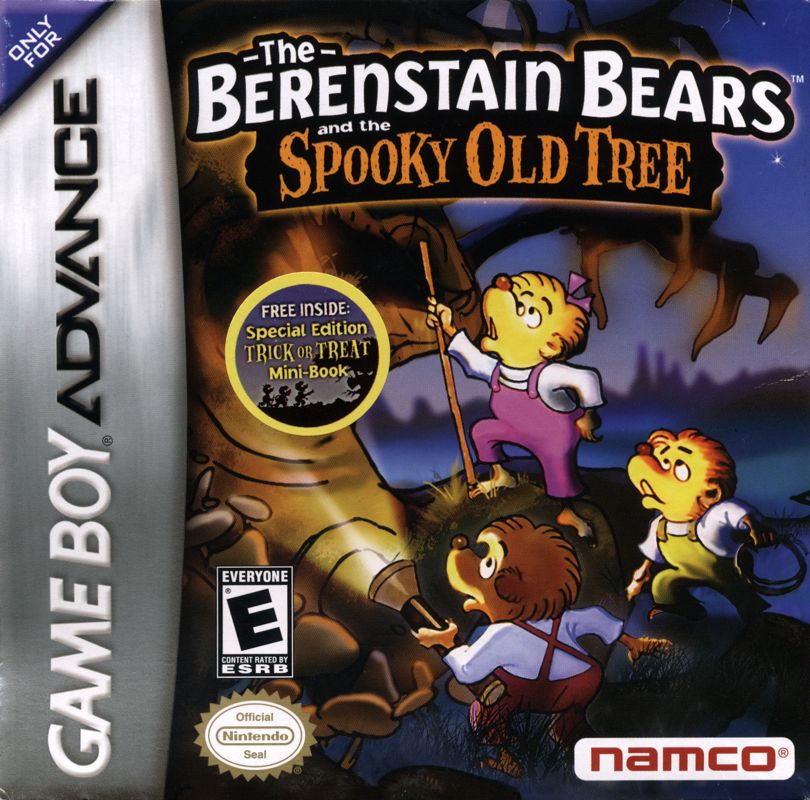
The Berenstain Bears and the Spooky Old Tree
Play The Berenstain Bears and the Spooky Old Tree online, switch among three bears and combine their skills to escape each GBA level.
Browser play
Game Boy Advance (GBA) — EmulatorJS controls
Default Player 1 keyboard mapping. Change keys in Controller Settings.
| Console button | Keyboard |
|---|---|
| ↑ / ↓ / ← / → | ↑ / ↓ / ← / → |
| A / B | Z / X |
| L / R | Q / E |
| START / SELECT | Enter / V |
Open Controller Settings to configure your keyboard or gamepad. Touch controls are available on mobile.
How to Play The Berenstain Bears and the Spooky Old Tree
Quick start
Press A at the title screen, choose Start Game, then select the first available level. Guide Brother Bear, Sister Bear and Cousin Fred toward the exit of the Spooky Old Tree; switch bears whenever an obstacle calls for a different special skill. Collect candy and honey pots to earn extra chances, and protect the shared courage meter.
Controls
D-Pad: move and navigate; A: jump or use the current bear’s special action; B: attack; L/R: change bear; START: pause. Menus use the D-Pad and A. Password on the Main Menu resumes from a completed-level code.
The Berenstain Bears and the Spooky Old Tree Game manuals
Cheats
No cheats have been added for this edition.
Player verification and sources
Browser play was reviewed before this edition was published in the catalogue. The date below is the catalogue publication date, not the game’s original release date.
- Browser test and catalogue publication date
- Browsers and devices
- PC: Chrome, Edge and Firefox. Mobile: Chrome on Android and Safari on iPhone and iPad.
- Player engine and core
- EmulatorJS 4.3.0-pre · gba
- Tested by
- rwEmulator
Sources and editorial basis
rwEmulator reviews edition metadata, release information, game manuals and first-hand browser-play notes. Available manuals are linked below; the editorial policy explains how facts are checked and corrections are handled.