More browsing paths
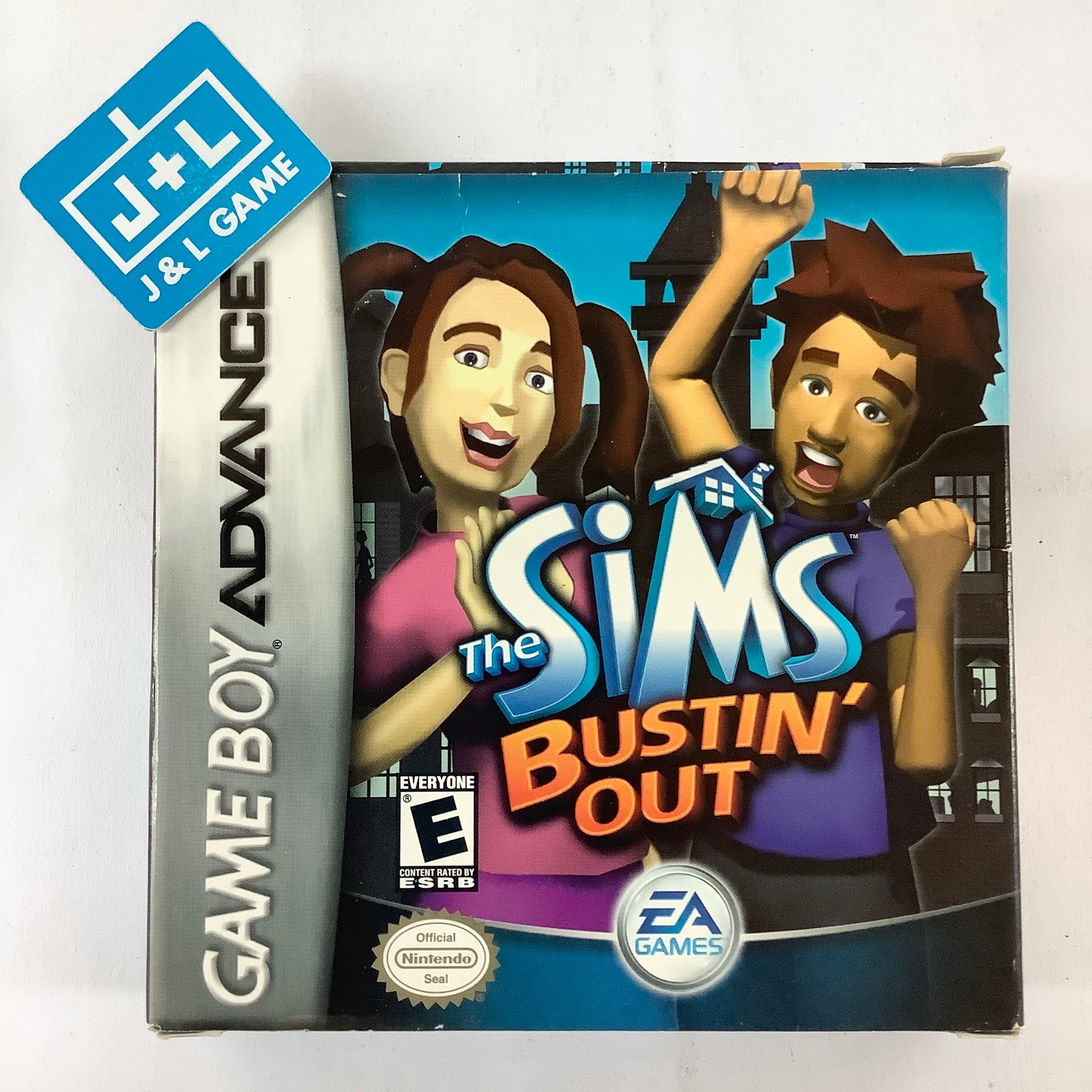
Play The Sims: Bustin' Out (US edition · English) Online
The Sims Bustin' Out
Play The Sims: Bustin’ Out online on GBA, explore the handheld-only SimValley adventure, meet neighbours, manage needs, finish missions and earn money in job mini-games.
Browser play
Game Boy Advance (GBA) — EmulatorJS controls
Default Player 1 keyboard mapping. Change keys in Controller Settings.
| Console button | Keyboard |
|---|---|
| ↑ / ↓ / ← / → | ↑ / ↓ / ← / → |
| A / B | Z / X |
| L / R | Q / E |
| START / SELECT | Enter / V |
Open Controller Settings to configure your keyboard or gamepad. Touch controls are available on mobile.
How to Play The Sims: Bustin' Out
Quick start
Choose New Game and create a Sim; the truck drops you at Uncle Hayseed’s farm in SimValley. Talk to Uncle Hayseed and raise the relationship score to 30, then choose “I’ve got something for you” and give him the Family Photo Album. For the next goals, take food from the refrigerator, sleep in the bed and use the shower so the matching motives are no longer low.
Controls
D-pad moves the Sim and cursor; hold B with the D-pad to run. A accepts, talks and uses the selected object; B cancels. START opens the menu for goals, personality and items; L/R change its pages and rotate furniture while placing it. SELECT opens the pause menu. In the world, L shows or hides the motive display.
The Sims: Bustin' Out Game manuals
Cheats
No cheats have been added for this edition.
Player verification and sources
Browser play was reviewed before this edition was published in the catalogue. The date below is the catalogue publication date, not the game’s original release date.
- Browser test and catalogue publication date
- Browsers and devices
- PC: Chrome, Edge and Firefox. Mobile: Chrome on Android and Safari on iPhone and iPad.
- Player engine and core
- EmulatorJS 4.3.0-pre · gba
- Tested by
- rwEmulator
Sources and editorial basis
rwEmulator reviews edition metadata, release information, game manuals and first-hand browser-play notes. Available manuals are linked below; the editorial policy explains how facts are checked and corrections are handled.