More browsing paths
Play Theme Park (US edition · English / Japanese / French / German / Spanish / Italian) Online
Theme Park
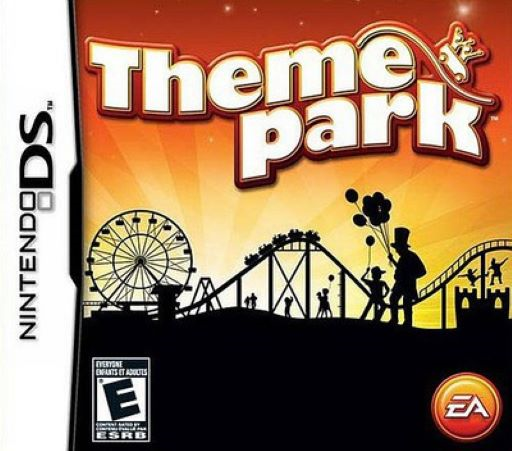
Play Theme Park online on Nintendo DS. Draw paths, place rides and shops and manage park staff. Start with Sandbox and learn the check-and-circle touch controls.
Browser play
Nintendo DS (NDS) — EmulatorJS controls
Default Player 1 keyboard mapping. Change keys in Controller Settings.
| Console button | Keyboard |
|---|---|
| ↑ / ↓ / ← / → | ↑ / ↓ / ← / → |
| A / B / X / Y | Z / X / A / S |
| L / R | Q / E |
| START / SELECT | Enter / V |
| Microphone | Not assigned |
Open Controller Settings to configure your keyboard or gamepad. Touch controls are available on mobile.
How to Play Theme Park
Quick start
Touch NEW GAME, complete the profile and choose an available country. Select SANDBOX with the tutorial enabled, then choose an advisor. Connect the entrance to a ride and shops with paths, provide the ride's queue and exit path, and check that it is switched on. Add cleaning and maintenance staff before expanding.
Controls
Use the stylus for menus and park objects. Open Attractions, Shops, Features or Staff, then draw a check or circle over an item to select it for placement. Choose a path type and drag across the touch screen to lay it out. Touch a ride, shop or staff member for its status and settings; the ride's on/off icon controls operation. START pauses.
Theme Park — About this game
A working park connects rides, shops and services through a clear layout. Paths must lead guests to attractions, shops and exits, while queues need enough room without trapping visitors in long waits. Food, drinks and toilets help meet needs, and staff such as handymen and mechanics keep the park clean and its rides working. Prices, wages and layout decisions then determine whether a busy park is also a successful one. The DS version uses the stylus for paths, item selection and individual status screens. Sandbox offers a simpler start, while SIM and Full add layers such as research, negotiation and stock management. Starting small gives you time to see how customers use the space before building a larger network of attractions.
Theme Park Game manuals
Cheats
No cheats have been added for this edition.
Player verification and sources
Browser play was reviewed before this edition was published in the catalogue. The date below is the catalogue publication date, not the game’s original release date.
- Browser test and catalogue publication date
- Browsers and devices
- PC: Chrome, Edge and Firefox. Mobile: Chrome on Android and Safari on iPhone and iPad.
- Player engine and core
- EmulatorJS 4.3.0-pre · nds
- Tested by
- rwEmulator
Sources and editorial basis
rwEmulator reviews edition metadata, release information, game manuals and first-hand browser-play notes. Available manuals are linked below; the editorial policy explains how facts are checked and corrections are handled.