More browsing paths
Play Ultraman 2: Shutsugeki Katoku Tai (Japan edition · Japanese) Online
Ultraman 2: Shutsugeki Katoku Tai
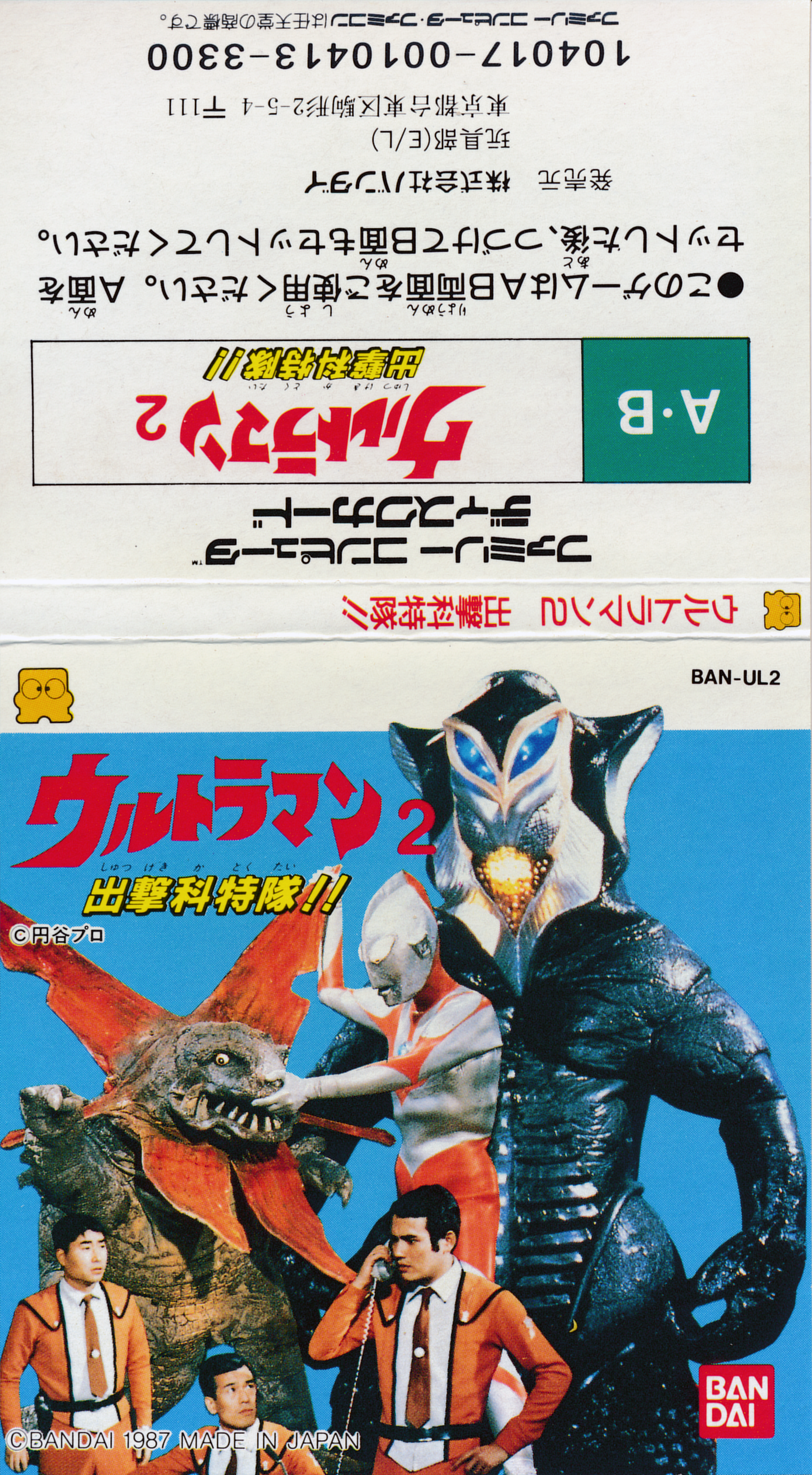
Play ``Ultraman 2 Sortie Special Force!!'' online. Choose your team and equipment, go out, collect information, develop new weapons, and protect the city by transforming into Ultraman. Introducing operational preparation and accurate basic operations.
Browser play
Nintendo Entertainment System (NES) / Famicom — EmulatorJS controls
Default Player 1 keyboard mapping. Change keys in Controller Settings.
| Console button | Keyboard |
|---|---|
| ↑ / ↓ / ← / → | ↑ / ↓ / ← / → |
| A / B | Z / X |
| START / SELECT | Enter / V |
Open Controller Settings to configure your keyboard or gamepad. Touch controls are available on mobile.
How to Play Ultraman 2: Shutsugeki Katoku Tai
Quick start
Press START on the title, select the player number and START. When you press START on "Touroku", you can create a name of up to four characters using the cross keys and A. Finish the registration with A in conjunction with "E", select the registered number and START, then confirm "START" with A. At the headquarters, press START to open the dispatch selection, use the cross key to select, and press A to confirm. Prepare three groups by selecting setting numbers, members, weapons, and vehicles in order, and press A to dispatch the group to be operated from "Control Select." First, they request support from the Earth Defense Force and confirm the monster's location and headquarters information. When looking for items, use a patrol car to search the ground.
Controls
Headquarters: Press START to select dispatch, use the cross key to select an item, and press A to confirm. Press B to display monster information, SELECT to display weapon development, and START to return to the headquarters screen. Map: Move with the cross keys. The member fires the weapon with B. The Beetle takes off and lands with A, the patrol car gets on and off with A, and the anti-monster weapon is fired with B. Press SELECT to display the member/monster data, and press A to return to the map. START opens mode selection instead of the pause key. Use the D-pad and A to select options such as switching control groups, returning to headquarters, or retreating from the defense forces. Hayata, who is walking, selects "Ultraman Henshin" from the same menu with A to transform. For Ultraman, press B to kick/chop, press SELECT to open the technique screen, press up or down to select, and press B to confirm. When the monster's health is less than one-third and Ultraman appears, move from SELECT to the up screen and press B to shoot the specium ray.
Ultraman 2: Shutsugeki Katoku Tai — About this game
``Ultraman 2 Sortie Special Force!!'' is a strategic action game using a disk system in which strategies are planned at the Special Force Headquarters and also operated by members of the field. The five members have different attack power and movement power, and prepare three dispatch settings by combining weapons, patrol cars, and Beetles. In addition to chasing monsters, you will need to make decisions to protect the headquarters, important facilities, and city buildings from destruction. Request support from the Earth Defense Force, research information on each monster, and search for necessary items on the ground to develop new weapons. Hayata can transform into Ultraman when he gets off the vehicle, but his active time is only three minutes. While weakening the monster enough to use it for special attacks, you want to deal with running out of bullets and injured members by replacing them or returning to headquarters. It's not just the fighting, but the proper use of information, personnel, and equipment that determines the outcome of the battle.
Cheats
No cheats have been added for this edition.
Player verification and sources
Browser play was reviewed before this edition was published in the catalogue. The date below is the catalogue publication date, not the game’s original release date.
- Browser test and catalogue publication date
- Browsers and devices
- PC: Chrome, Edge and Firefox. Mobile: Chrome on Android and Safari on iPhone and iPad.
- Player engine and core
- EmulatorJS 4.3.0-pre · nes
- Tested by
- rwEmulator
Sources and editorial basis
rwEmulator reviews edition metadata, release information, game manuals and first-hand browser-play notes. Available manuals are linked below; the editorial policy explains how facts are checked and corrections are handled.