More browsing paths
Play Uno 52 (US edition · English) Online
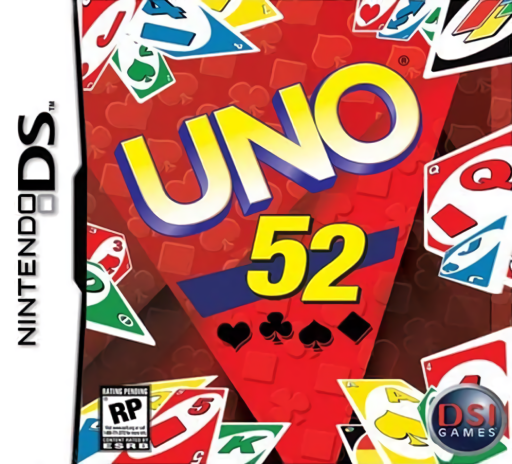
Uno 52
Play Uno 52 online. Empty your UNO hand while building poker results and competing for chips. See the Nintendo DS starting guide and controls.
Browser play
Nintendo DS (NDS) — EmulatorJS controls
Default Player 1 keyboard mapping. Change keys in Controller Settings.
| Console button | Keyboard |
|---|---|
| ↑ / ↓ / ← / → | ↑ / ↓ / ← / → |
| A / B / X / Y | Z / X / A / S |
| L / R | Q / E |
| START / SELECT | Enter / V |
| Microphone | Not assigned |
Open Controller Settings to configure your keyboard or gamepad. Touch controls are available on mobile.
How to Play Uno 52
Quick start
Start a simple UNO Wins match, read its options and play a matching card. Press R to call UNO as you discard down to one; then compare the round's chip and poker results.
Controls
Select cards and displayed play/draw/pass actions with the DS controls. R calls UNO. Check the active color, value and house rules before choosing an action; follow the poker-hand selection prompts.
Uno 52 — About this game
UNO 52 adds poker-style rewards to matching cards by color or value. Going out first and producing the best poker hand award different chips; doing both can win the pot. Choose a clear victory target before starting, because Chips, UNO Wins and Poker Wins reward different priorities. Begin by matching a legal card, watch the next player's position and call UNO when one card remains. House rules alter details such as draw stacking, so read the selected setup instead of assuming familiar tabletop rules.
Uno 52 Game manuals
Cheats
No cheats have been added for this edition.
Player verification and sources
Browser play was reviewed before this edition was published in the catalogue. The date below is the catalogue publication date, not the game’s original release date.
- Browser test and catalogue publication date
- Browsers and devices
- PC: Chrome, Edge and Firefox. Mobile: Chrome on Android and Safari on iPhone and iPad.
- Player engine and core
- EmulatorJS 4.3.0-pre · nds
- Tested by
- rwEmulator
Sources and editorial basis
rwEmulator reviews edition metadata, release information, game manuals and first-hand browser-play notes. Available manuals are linked below; the editorial policy explains how facts are checked and corrections are handled.