More browsing paths
Play Wiffle Ball (US edition) Online
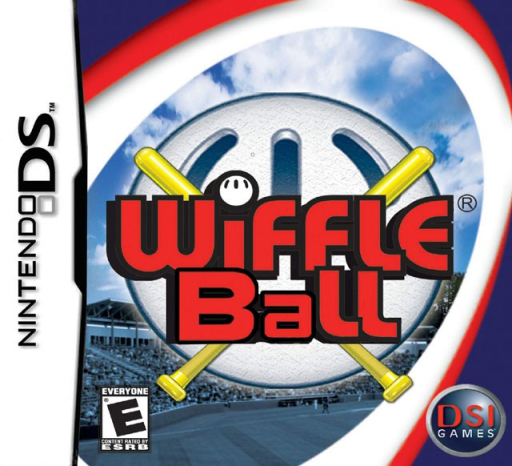
Wiffle Ball
Play Wiffle Ball online. Play neighborhood Wiffle Ball with stylus batting, selectable pitches and a full season. Learn how to begin and use the Nintendo DS menus.
Browser play
Nintendo DS (NDS) — EmulatorJS controls
Default Player 1 keyboard mapping. Change keys in Controller Settings.
| Console button | Keyboard |
|---|---|
| ↑ / ↓ / ← / → | ↑ / ↓ / ← / → |
| A / B / X / Y | Z / X / A / S |
| L / R | Q / E |
| START / SELECT | Enter / V |
| Microphone | Not assigned |
Open Controller Settings to configure your keyboard or gamepad. Touch controls are available on mobile.
How to Play Wiffle Ball
Quick start
Choose Quick-Play, a player and a field. When batting, position the hitter, hold the stylus in the red box and flick upward at the right time. When pitching, choose type, speed and target, then tap the red throw square.
Controls
Left/Right positions the batter. Hold the stylus in the red box, then flick up to swing; alternatively hold A and release to swing. Tap pitching controls for type, speed and aim. Move the selected fielder with the Control Pad; catches are automatic in position. START pauses.
Wiffle Ball — About this game
Wiffle Ball takes a backyard bat-and-ball game to four neighborhood fields, including a school, street and sandlot. Quick-Play starts a single game; Season Mode sends you against computer opponents across the locations and tracks the standings. Batting involves positioning the hitter and timing the swing. Pitching lets you choose type, speed and target, while repeated throws drain the pitcher’s stamina. On defense, move the automatically selected fielder toward the ball for a catch. Learn both sides in Quick-Play before committing to a season. The original local multiplayer needs two systems and two game cards.
Wiffle Ball Game manuals
Cheats
No cheats have been added for this edition.
Player verification and sources
Browser play was reviewed before this edition was published in the catalogue. The date below is the catalogue publication date, not the game’s original release date.
- Browser test and catalogue publication date
- Browsers and devices
- PC: Chrome, Edge and Firefox. Mobile: Chrome on Android and Safari on iPhone and iPad.
- Player engine and core
- EmulatorJS 4.3.0-pre · nds
- Tested by
- rwEmulator
Sources and editorial basis
rwEmulator reviews edition metadata, release information, game manuals and first-hand browser-play notes. Available manuals are linked below; the editorial policy explains how facts are checked and corrections are handled.