More browsing paths
Play X-Men: Destiny (US edition · English) Online
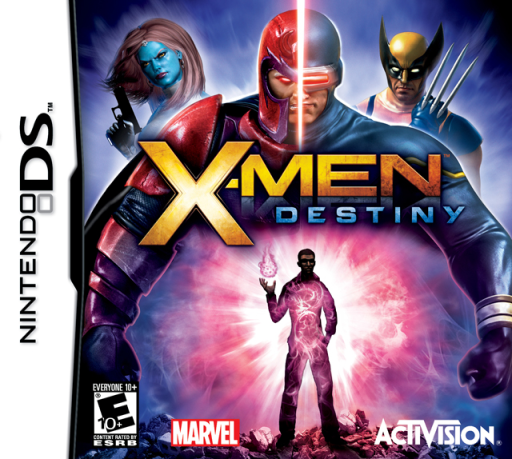
X-Men - Destiny
Play X-Men: Destiny online. Explore San Francisco, unlock mutant powers and save at checkpoints. See the Nintendo DS starting guide and controls.
Browser play
Nintendo DS (NDS) — EmulatorJS controls
Default Player 1 keyboard mapping. Change keys in Controller Settings.
| Console button | Keyboard |
|---|---|
| ↑ / ↓ / ← / → | ↑ / ↓ / ← / → |
| A / B / X / Y | Z / X / A / S |
| L / R | Q / E |
| START / SELECT | Enter / V |
| Microphone | Not assigned |
Open Controller Settings to configure your keyboard or gamepad. Touch controls are available on mobile.
How to Play X-Men: Destiny
Quick start
Start the first unlocked level, learn the basic attack and locate a yellow checkpoint on the map. Stand there and press SELECT to save before going farther.
Controls
D-pad moves; Y uses Tier 0, hold/release Y Tier I, X Tier II, A Tier III and B Tier IV. A confirms, B cancels, START pauses. SELECT saves only at a checkpoint.
X-Men: Destiny — About this game
The DS adventure links combat with a lower-screen exploration map. Light blue marks visited areas and yellow circles identify checkpoints. Begin with the basic power, watch energy before spending stronger attacks, and read the current objective in pause. Completing objectives earns points for power development; at a checkpoint you can adjust powers and costume parts. Advance through the city one objective at a time and save while standing on a checkpoint, since defeat returns you to the last activated one.
X-Men: Destiny Game manuals
Cheats
No cheats have been added for this edition.
Player verification and sources
Browser play was reviewed before this edition was published in the catalogue. The date below is the catalogue publication date, not the game’s original release date.
- Browser test and catalogue publication date
- Browsers and devices
- PC: Chrome, Edge and Firefox. Mobile: Chrome on Android and Safari on iPhone and iPad.
- Player engine and core
- EmulatorJS 4.3.0-pre · nds
- Tested by
- rwEmulator
Sources and editorial basis
rwEmulator reviews edition metadata, release information, game manuals and first-hand browser-play notes. Available manuals are linked below; the editorial policy explains how facts are checked and corrections are handled.