More browsing paths
Play King's Quest - Quest for the Crown (US edition · Edition 145679) Online
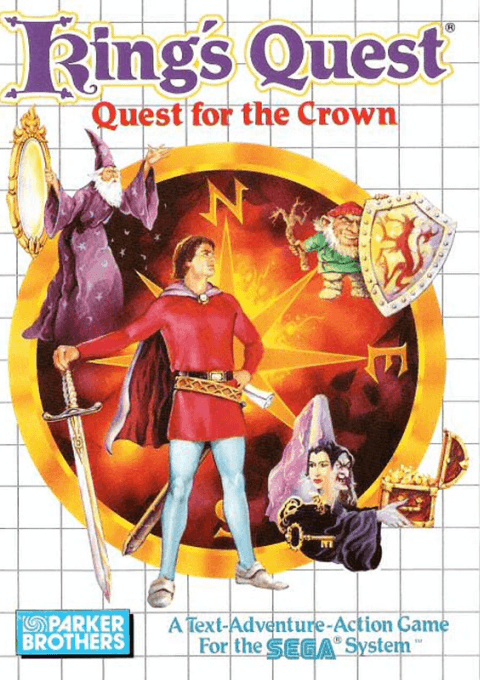
King's Quest - Quest for the Crown
Play King's Quest - Quest for the Crown online on Master System. Explore with Graham and combine commands with useful objects to solve puzzles.
Browser play
Sega Master System — EmulatorJS controls
Default Player 1 keyboard mapping. Change keys in Controller Settings.
| Console button | Keyboard |
|---|---|
| ↑ / ↓ / ← / → | ↑ / ↓ / ← / → |
| 1 / START | X |
| 2 | Z |
Open Controller Settings to configure your keyboard or gamepad. Touch controls are available on mobile.
How to Play King's Quest - Quest for the Crown
Quick start
Walk around the nearby scene and examine anything that stands out. Choose a relevant command and object, then observe the result before trying another approach.
Controls
Directions move Graham and navigate choices. Use command selection and confirmation to choose actions and objects; cancel returns from a choice.
King's Quest - Quest for the Crown — About this game
This adventure rewards close observation: collect useful objects, examine each new location and combine verbs with suitable nouns to solve problems. Plan the order of your search rather than moving from object to object at random. Remember useful routes and compare each new clue with what you have already found before choosing the next step.
King's Quest - Quest for the Crown Game manuals
Cheats
No cheats have been added for this edition.
Player verification and sources
Browser play was reviewed before this edition was published in the catalogue. The date below is the catalogue publication date, not the game’s original release date.
- Browser test and catalogue publication date
- Browsers and devices
- PC: Chrome, Edge and Firefox. Mobile: Chrome on Android and Safari on iPhone and iPad.
- Player engine and core
- EmulatorJS 4.3.0-pre · segaMS
- Tested by
- rwEmulator
Sources and editorial basis
rwEmulator reviews edition metadata, release information, game manuals and first-hand browser-play notes. Available manuals are linked below; the editorial policy explains how facts are checked and corrections are handled.