More browsing paths
Play The Sims 2 (Spain edition) Online
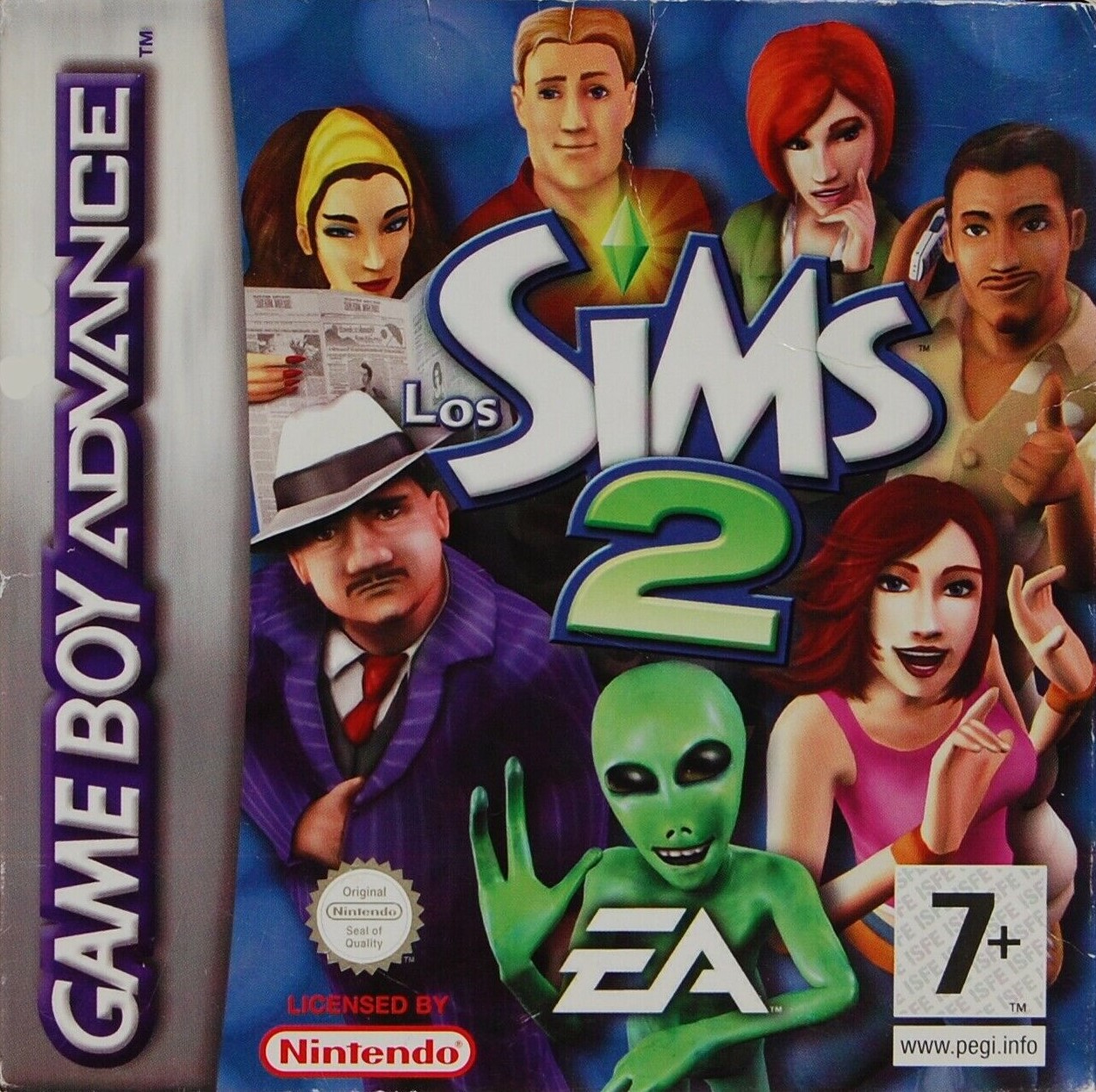
Los Sims 2
Play The Sims 2 online at GBA. Create a Sim, star in the bizarre reality show Las Orarezas, attend to their needs, meet episodic objectives and improve viewership.
Browser play
Game Boy Advance (GBA) — EmulatorJS controls
Default Player 1 keyboard mapping. Change keys in Controller Settings.
| Console button | Keyboard |
|---|---|
| ↑ / ↓ / ← / → | ↑ / ↓ / ← / → |
| A / B | Z / X |
| L / R | Q / E |
| START / SELECT | Enter / V |
Open Controller Settings to configure your keyboard or gamepad. Touch controls are available on mobile.
How to Play The Sims 2
Quick start
Choose Create a Sim, enter the name and define their appearance, clothing and aspiration. After the introduction, the first plot objective is to climb and explore The Oddities. Leave the house, talk to Dusty Hogg and use the friendly conversation actions until the diamond is filled. Then, follow the road north to the pawnshop and first buy a bed or a shower; Come home when the need to go to the bathroom appears. Keep an eye on the needs and the green bar, because ignoring them reduces the program's audience. Check current goals often with START.
Controls
D-pad: move the Sim and the cursor. A: confirm, interact, use the chosen tool or execute a conversation action. B: cancel/return; keep B while moving to run. R: change tool. L/R: Rotate furniture when placing it and scroll through status tabs. START: open status, with objectives, cast, items and skills. SELECT: open pause, with map, options, save and exit.
The Sims 2 Game manuals
Cheats
No cheats have been added for this edition.
Player verification and sources
Browser play was reviewed before this edition was published in the catalogue. The date below is the catalogue publication date, not the game’s original release date.
- Browser test and catalogue publication date
- Browsers and devices
- PC: Chrome, Edge and Firefox. Mobile: Chrome on Android and Safari on iPhone and iPad.
- Player engine and core
- EmulatorJS 4.3.0-pre · gba
- Tested by
- rwEmulator
Sources and editorial basis
rwEmulator reviews edition metadata, release information, game manuals and first-hand browser-play notes. Available manuals are linked below; the editorial policy explains how facts are checked and corrections are handled.